Leica EZ4 E



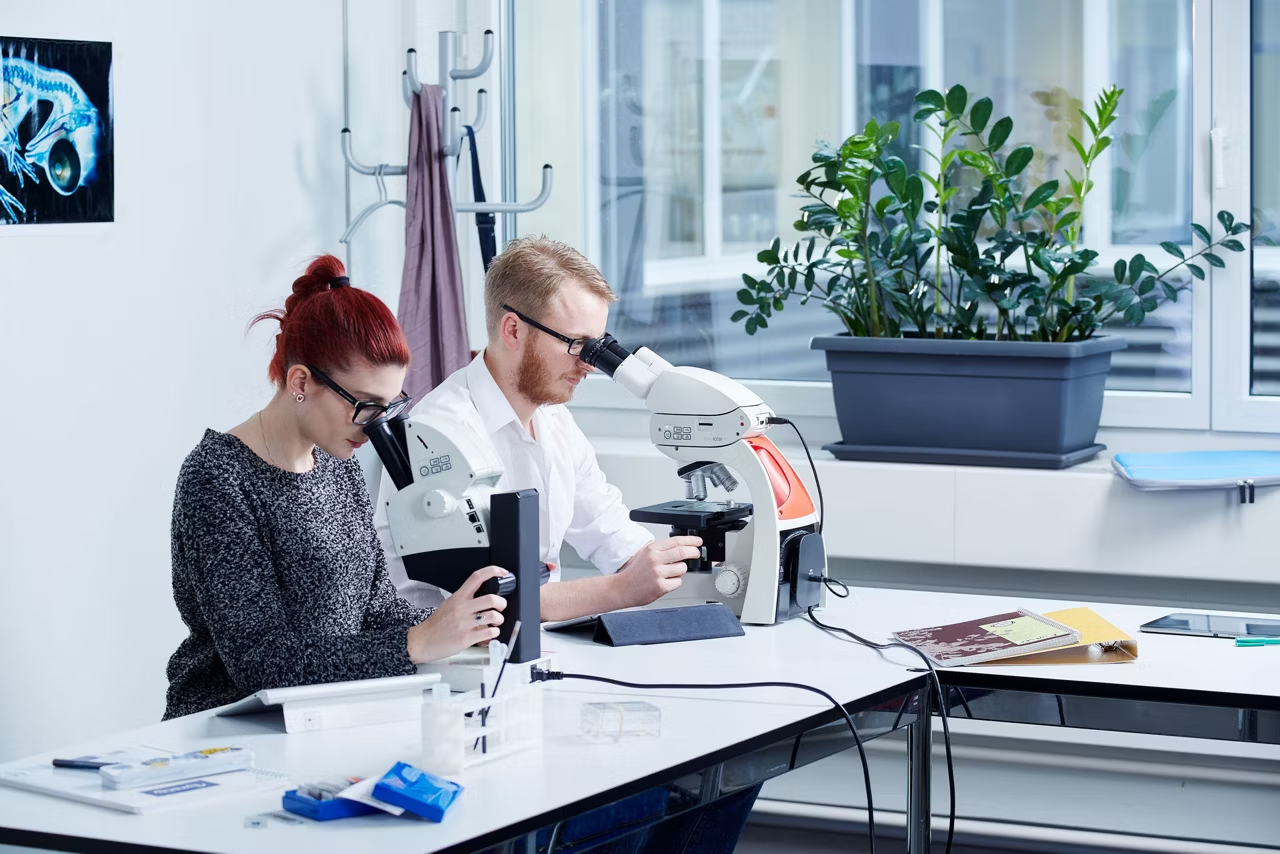
Educational stereo microscopes for college and university
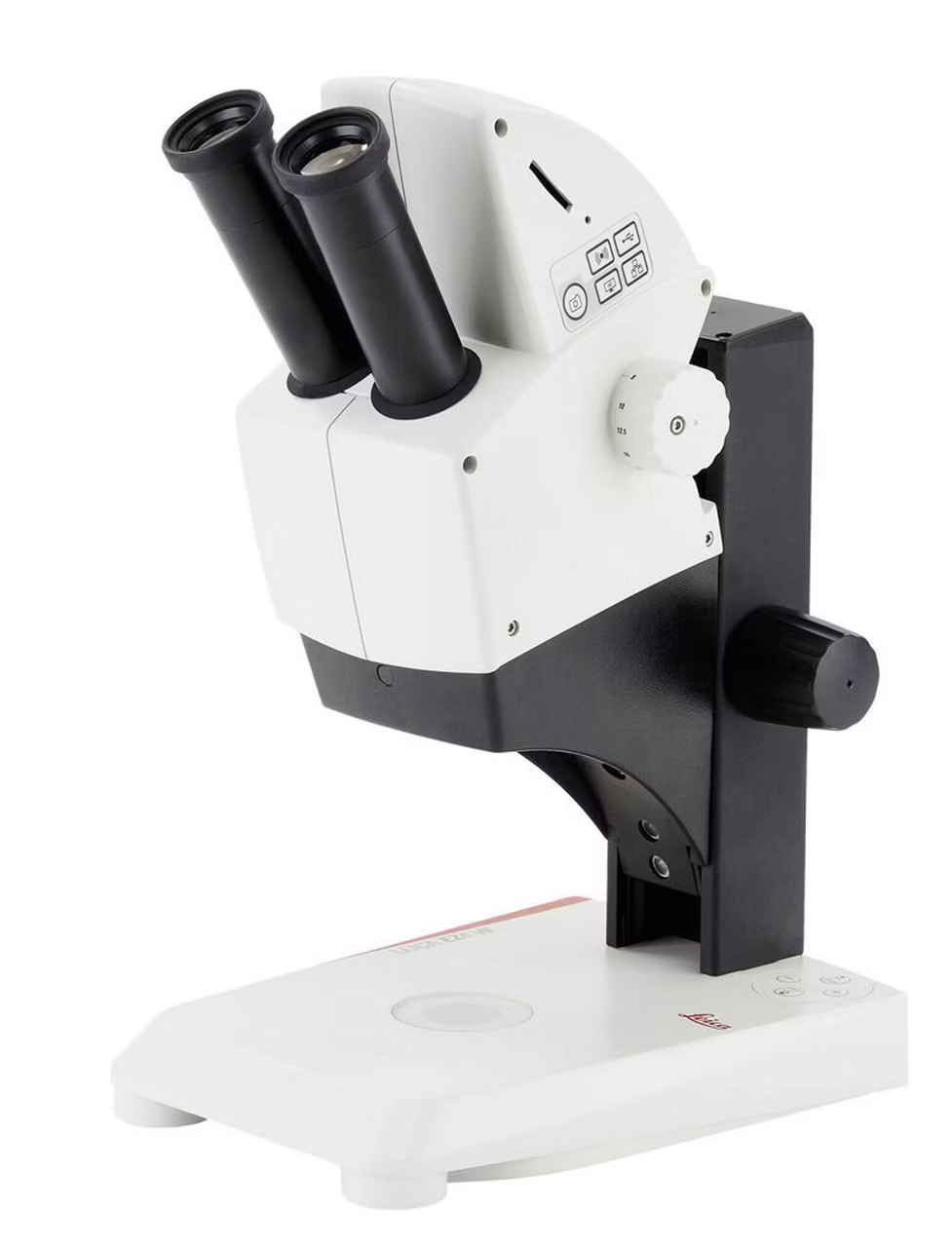
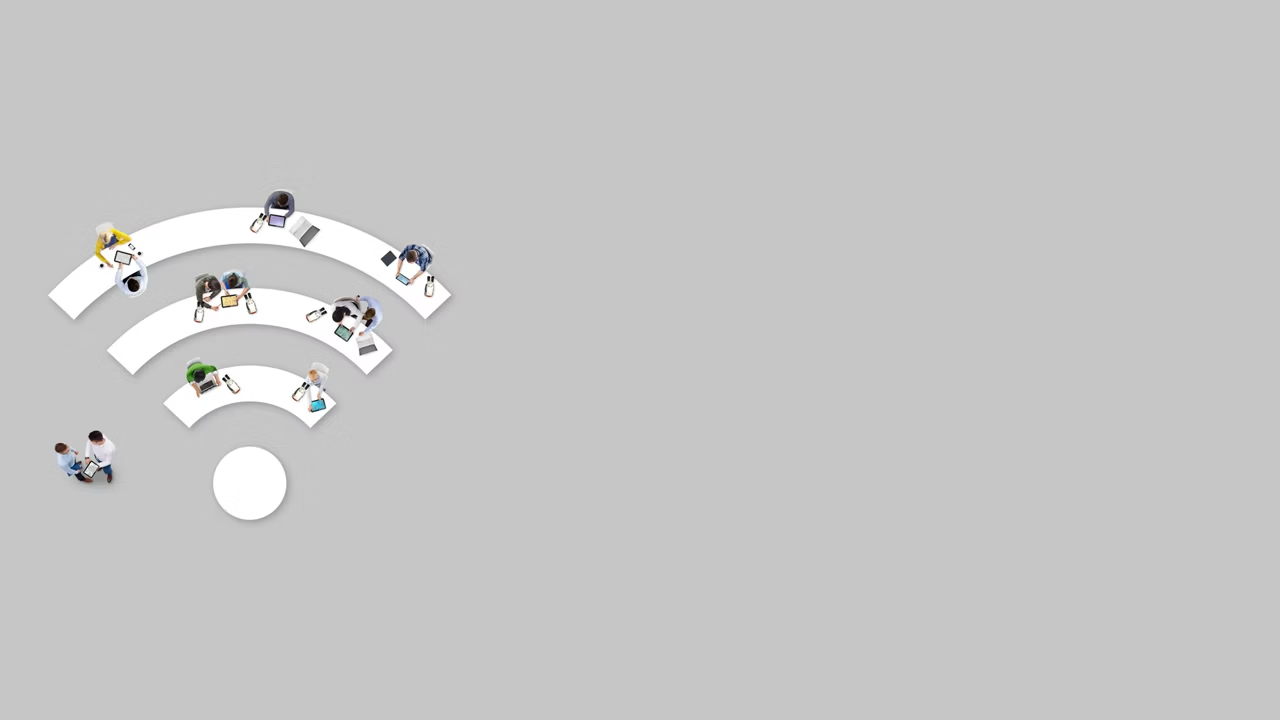
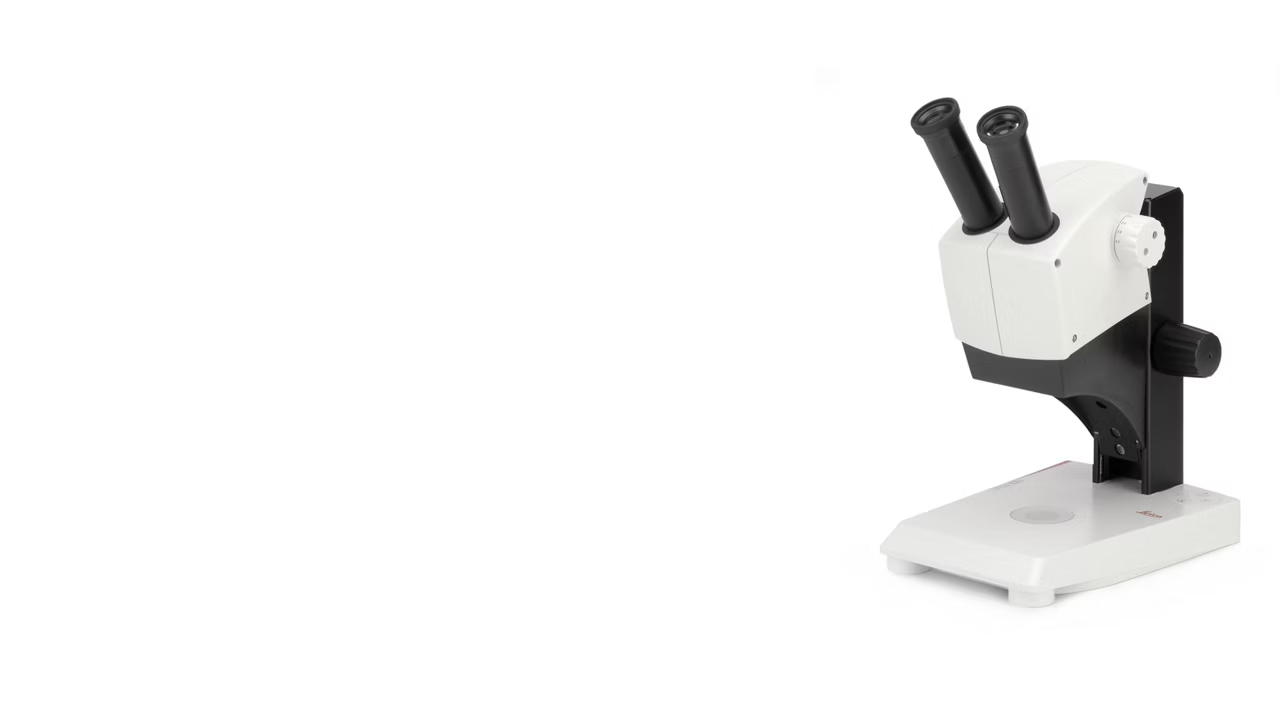
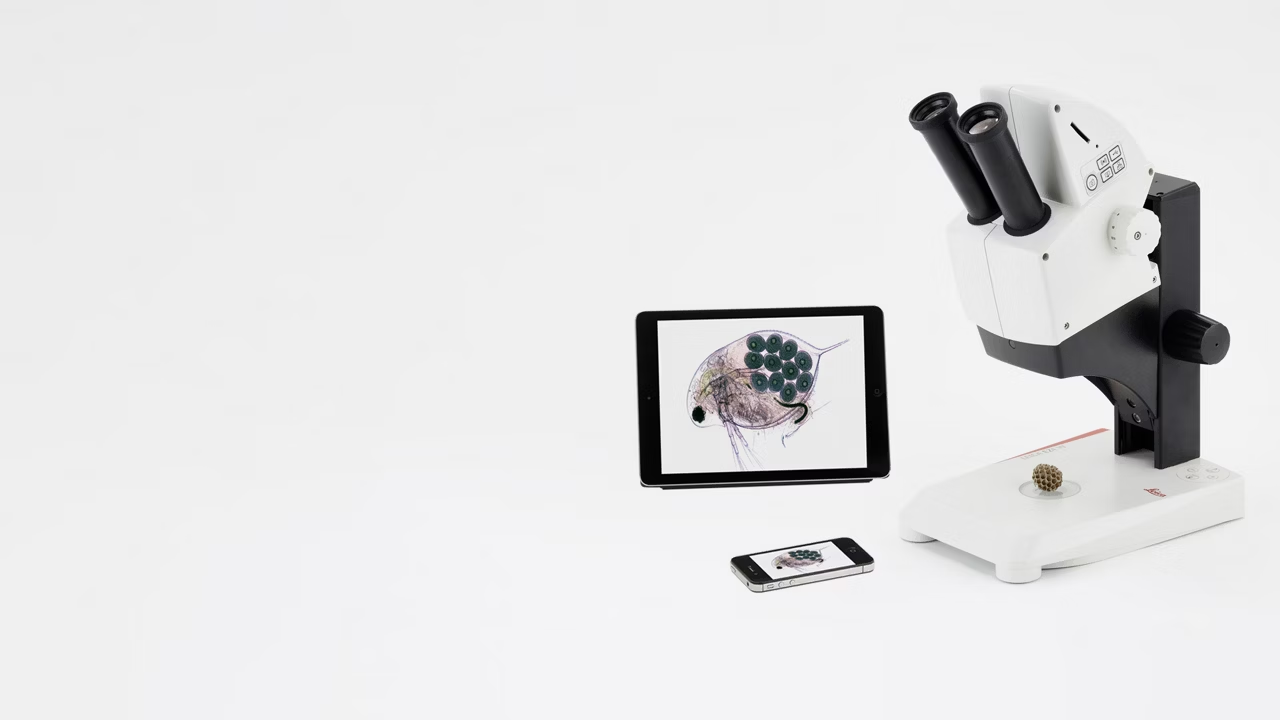
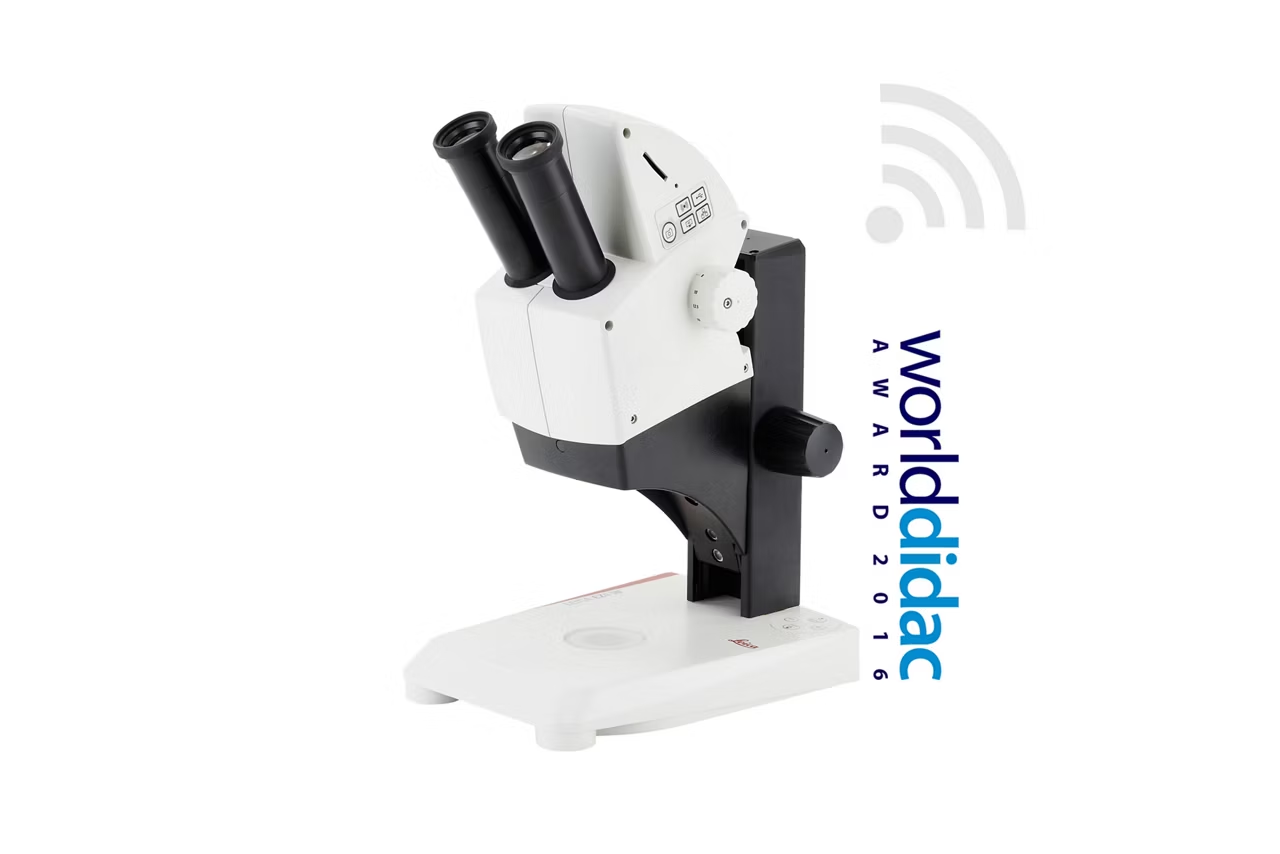
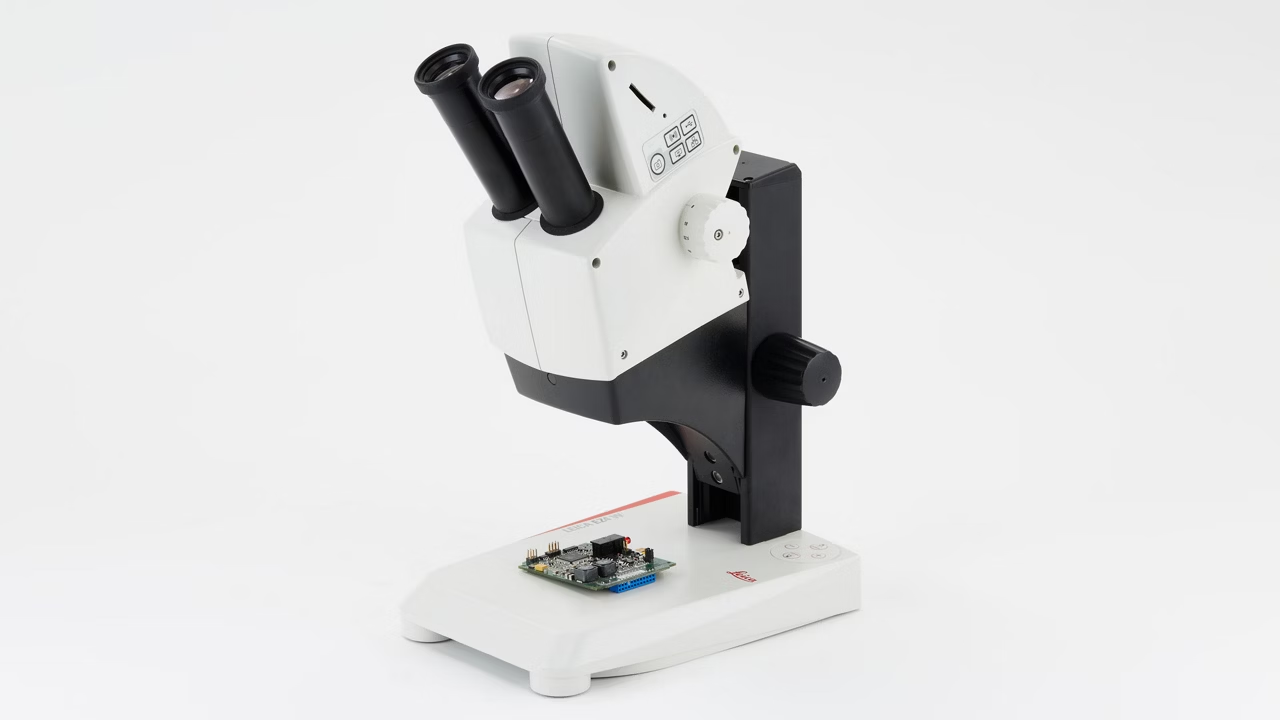
These stereo microscopes provide a wireless education solution to the science classroom. The integrated 5-megapixel cameras can live-stream HD images to students’ smartphones or tablets. Students can connect to the EZ4 W either through its own internal Wi-Fi signal or through the facilities network. The EZ4 E exclusively uses the facilities network (WLAN or LAN) to allow students to connect to the microscope. This is an ideal solution if you don`t want to add additional Wi-Fi access points to your existing wireless network concept.
The quality of a system lies in the detail
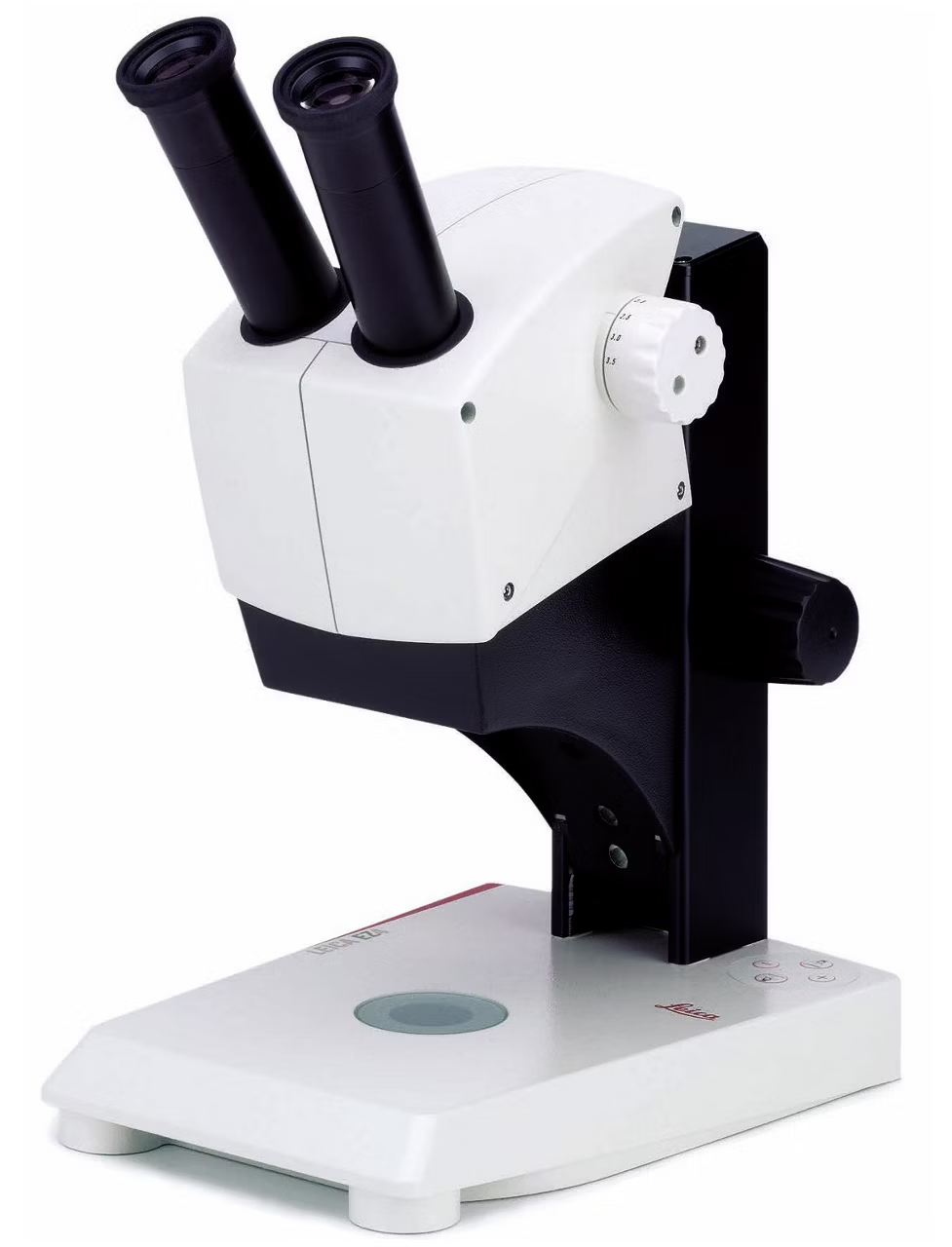
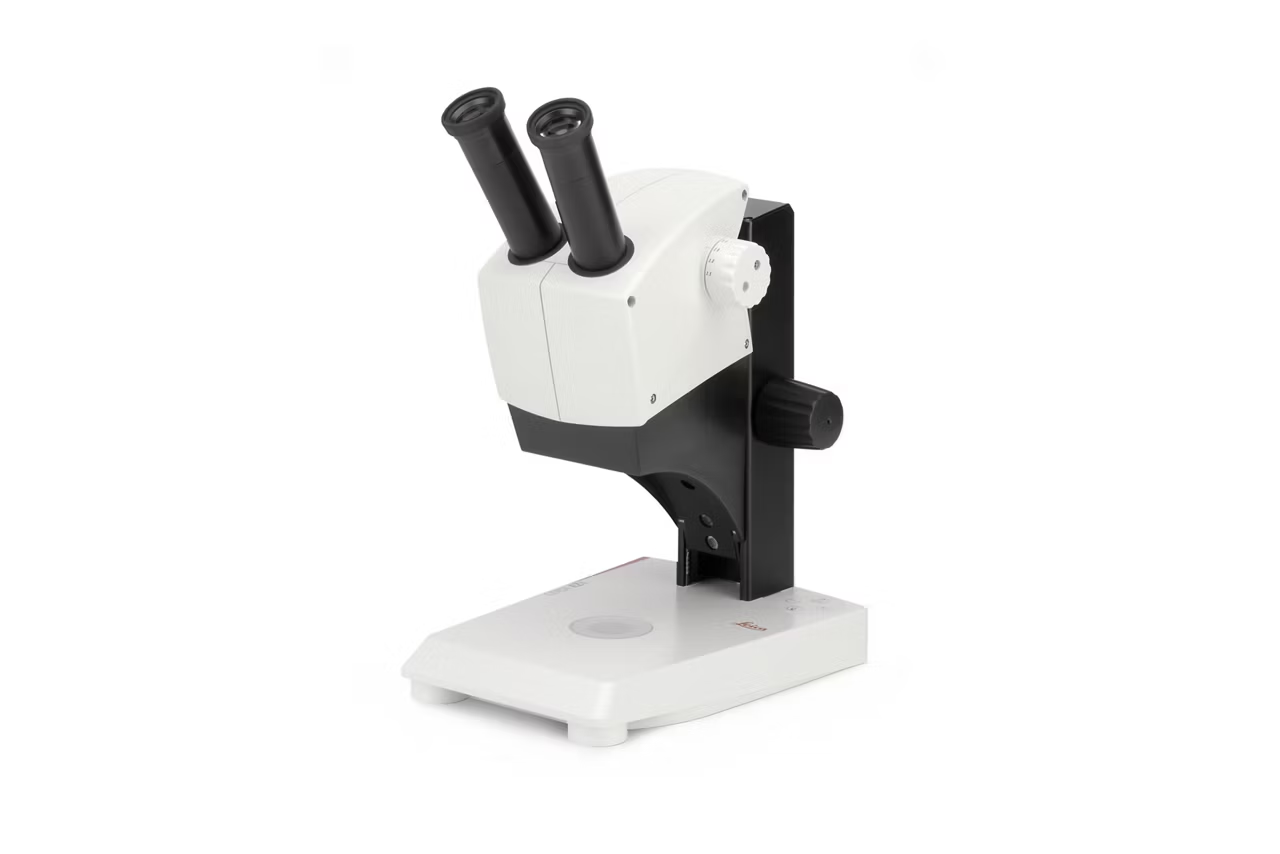
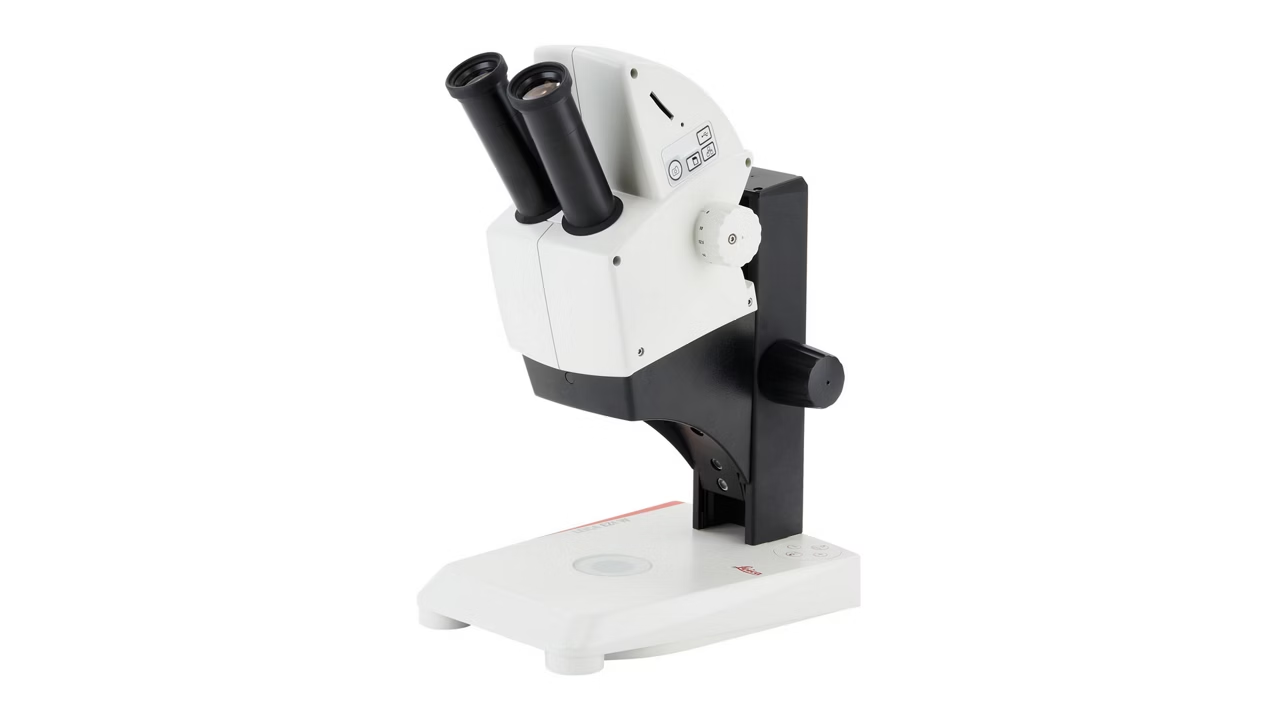
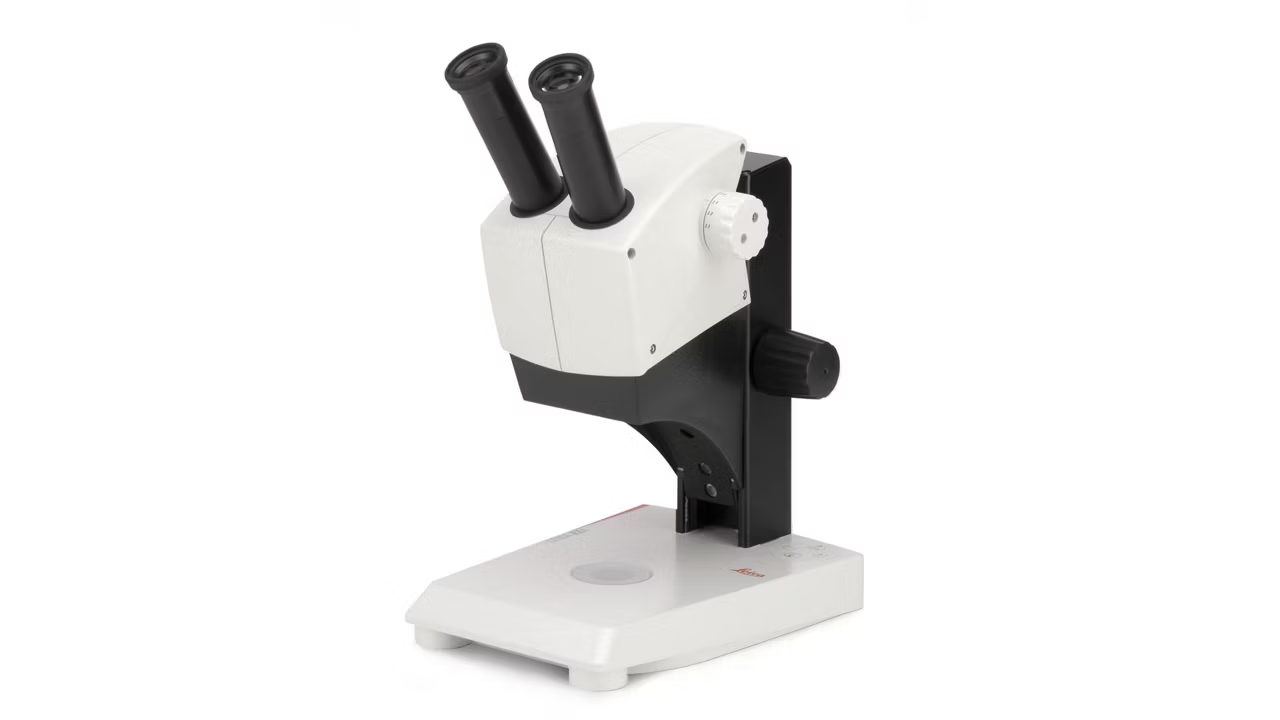
- FOCUSING DRIVE Can be adjusted in its ease of movement for comfortable focusing by students and teachers illuminator.
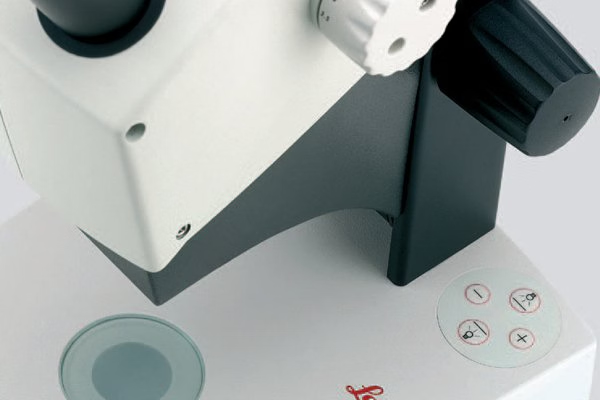
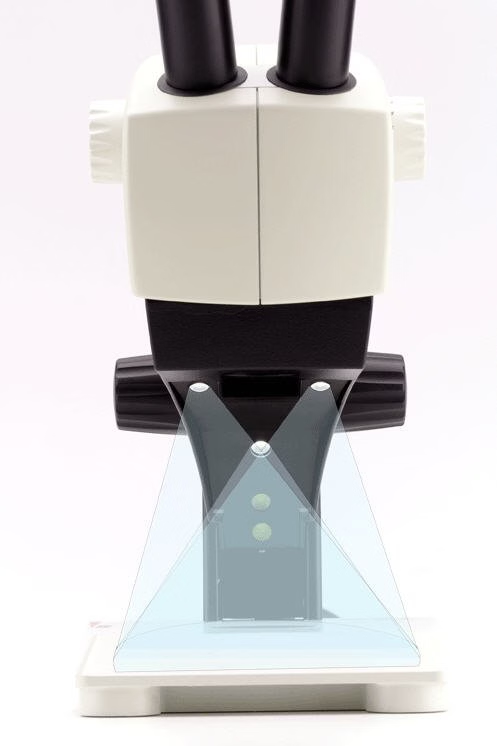
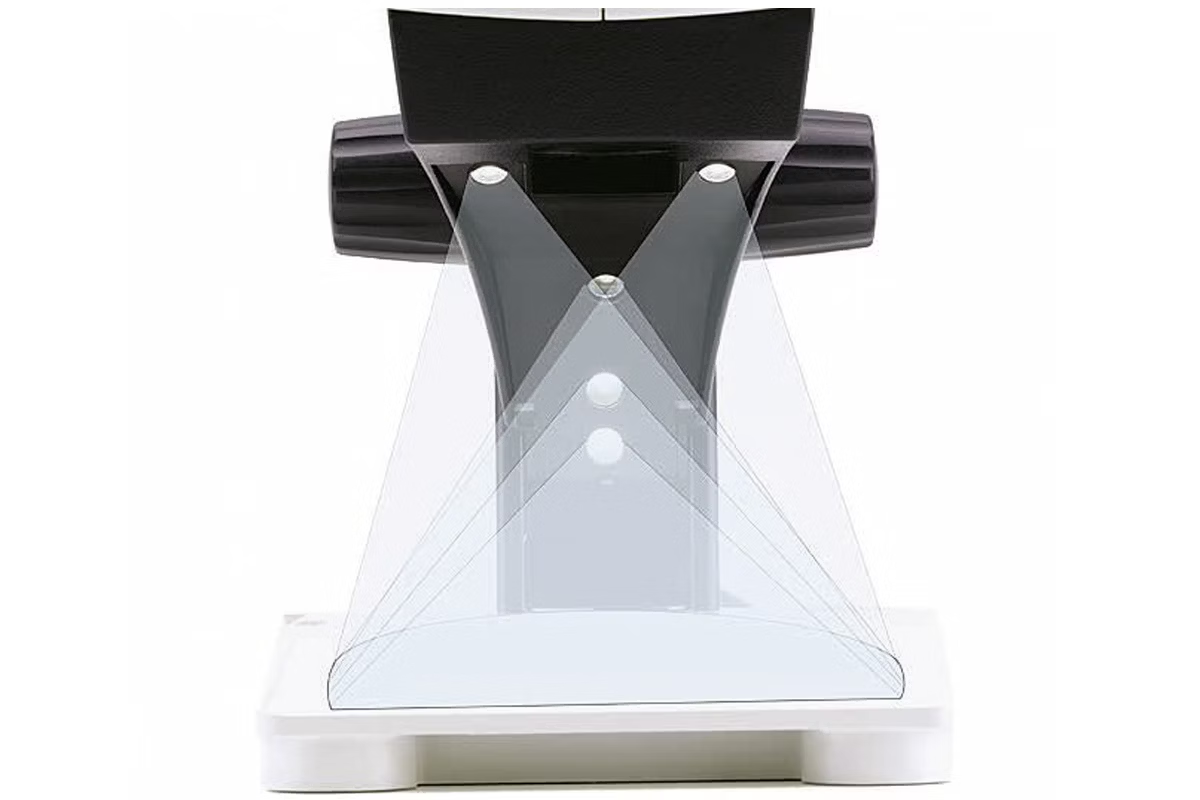
- LED INCIDENT LIGHT Can be switched independently or combined, and can be controlled via the membrane switch on the Leica EZ4 models.
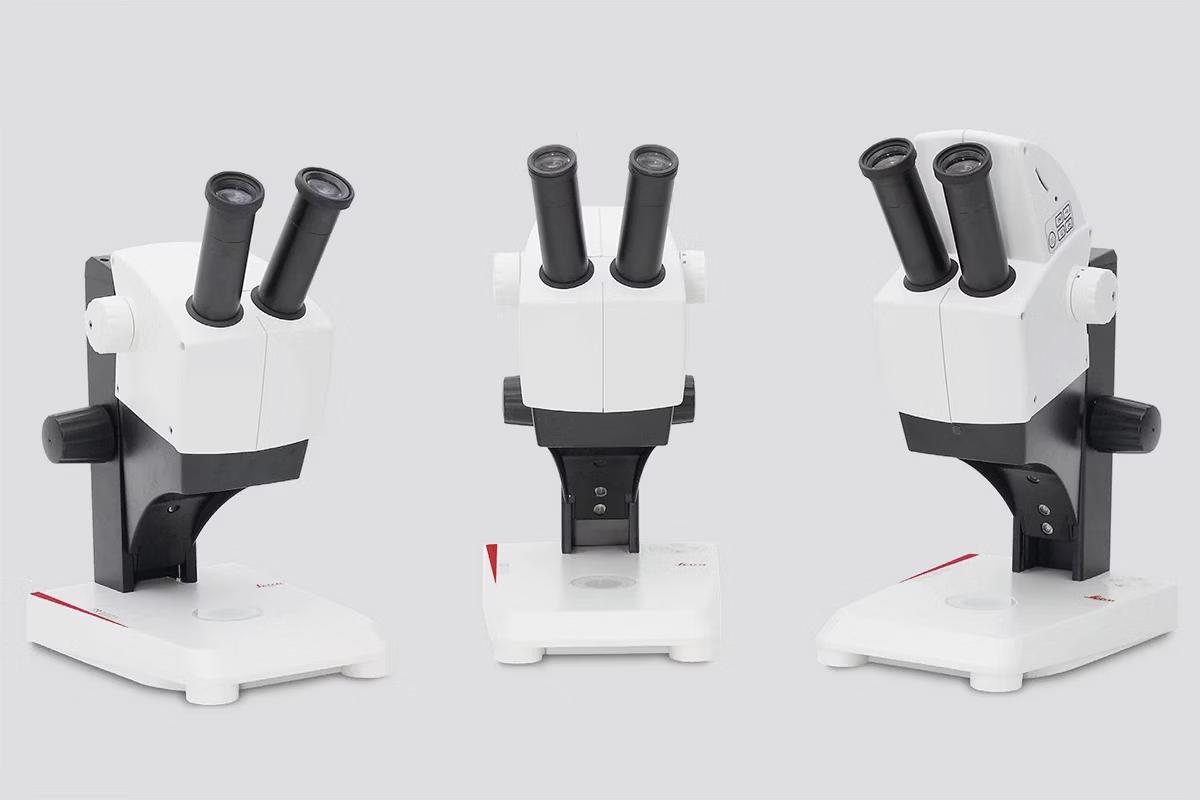
- VIBRATION-RESISTANT FEET Prevent annoying shake while adjusting the instrument and stop it from sliding. The special transparent rubber material does not mark tabletops.
- INSTRUMENTS THAT LAST AND LAST The robust CapSense control panel ensures intuitive, reliable operation for years. It protects the system from dirt and is highly durable.
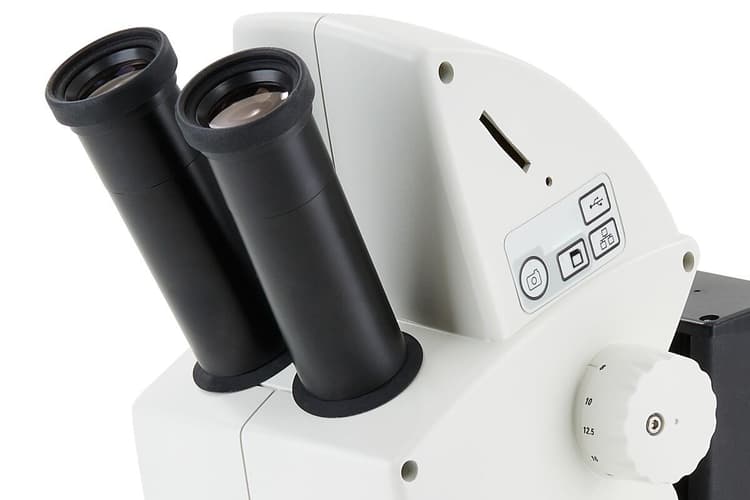
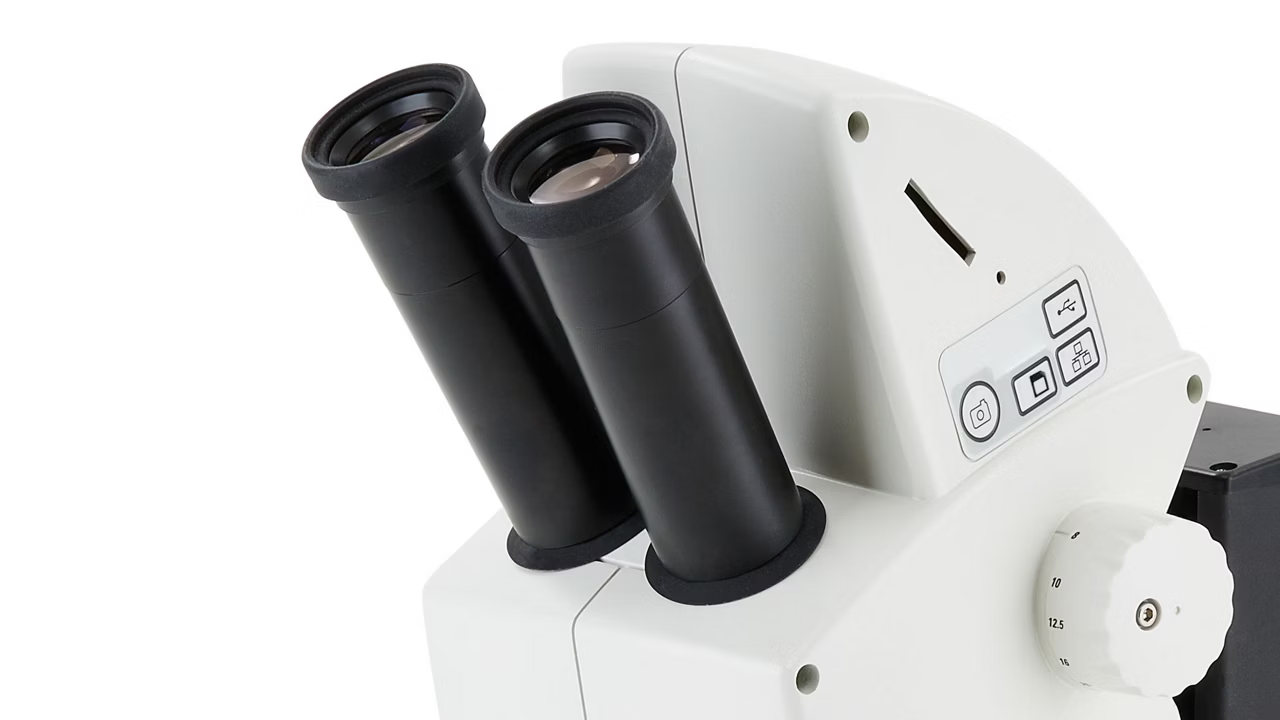
- EASY VIEWING The 60° viewing angle is equally ergonomic for students and teachers with different physical builds. The eyepiece tubes adjust simultaneously from 50 to 75 mm to provide the correct personal interpupillary distance for all users.
- ZOOM IN WITH 4.4 Zoom magnification from 8x to 35x delivers high resolution images with fine details.
- OPTICS CARRIER / THE 10° GREENOUGH OPTICAL SYSTEM Greenough optical systems – provide very flat and large depth of field 3D views.
Making class interactive and inspiring
The AirTeach software from Leica Microsystems provides teachers with a tool to share knowledge efficiently, and have everybody on the same page, all the time.
AirTeach Software empowers teachers to:
- See a thumbnail view of students' microscope images in the layout of the classroom.
- Share up to four images on a large display or projection to allow a comparison of students’ findings.
- Confirm cameras are logged in to ensure participation.
Camera access for multiple students simultaneously
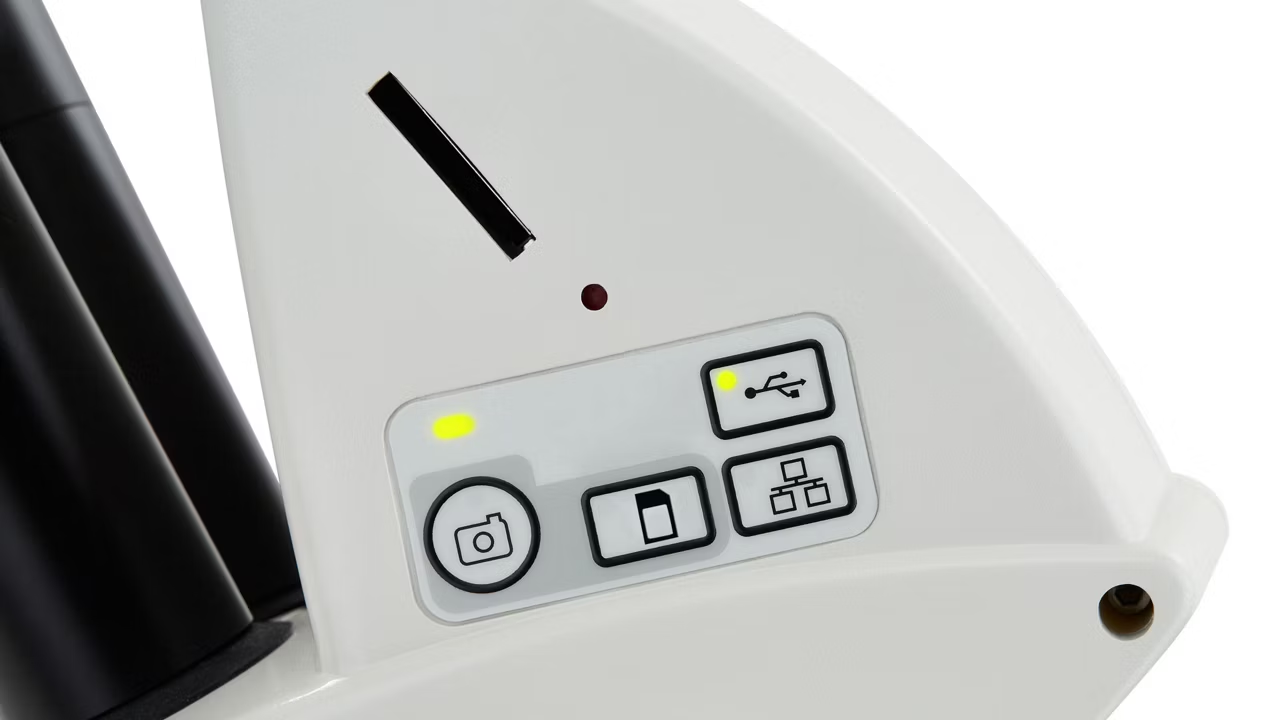
Connect multiple smartphones or tablets to a Leica EZ4 W and quickly access high-resolution images or videos fast directly onto your device through the camera's Wi-Fi stream. No need to wait. With the Leica EZ4 E, students can connect to the microscope through the facilities' network, which connects the users' devices such as PCs or tablets with the microscope by Ethernet (WLAN & LAN).
Leica AirLab App for easy learning and sharing
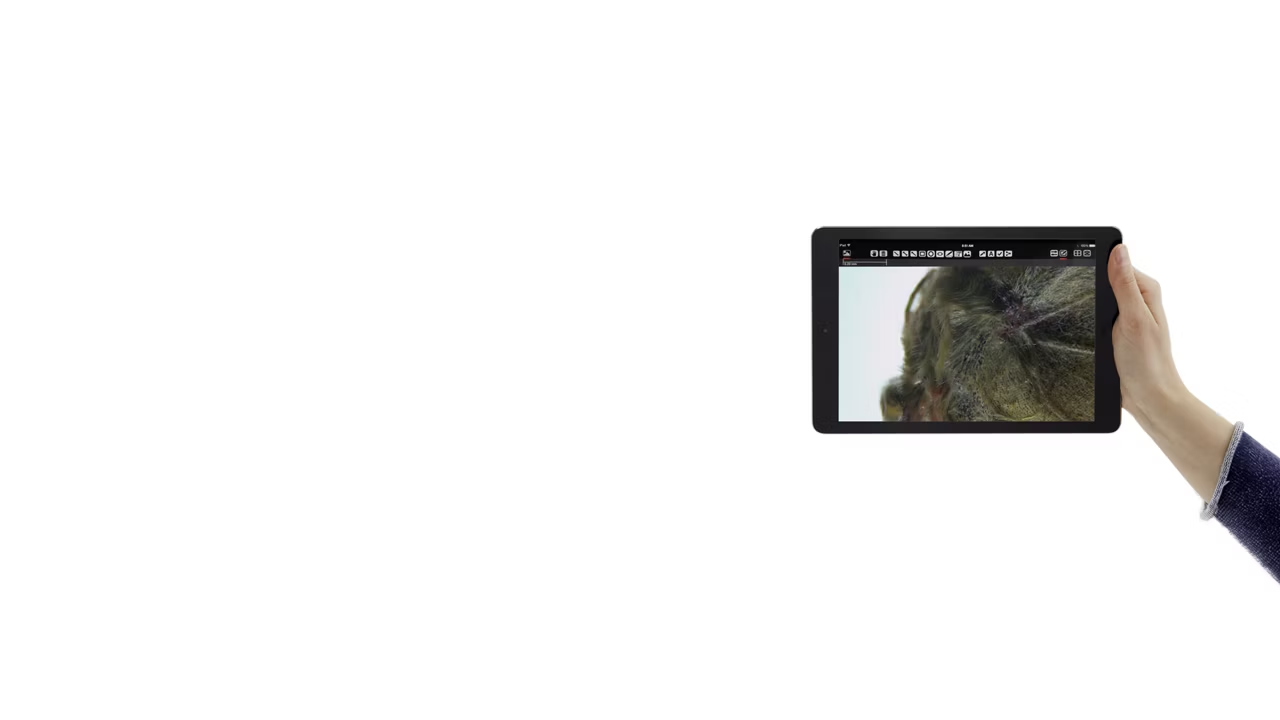
For mobile devices download the Leica AirLab App! It is free of charge and available for both IOS and Android. With intuitive touch screen control students can quickly and easily capture, annotate, archive, and share images. The camera can also be accessed with any Wi-Fi enabled Windows PC or MAC. For standalone HD screens or larger screen projections you can use the HDMI connection.
Note: The quantity of mobile device connections and their stability depends on the Wi-Fi traffic and network performance in the environment.
Teaching and learning made easy
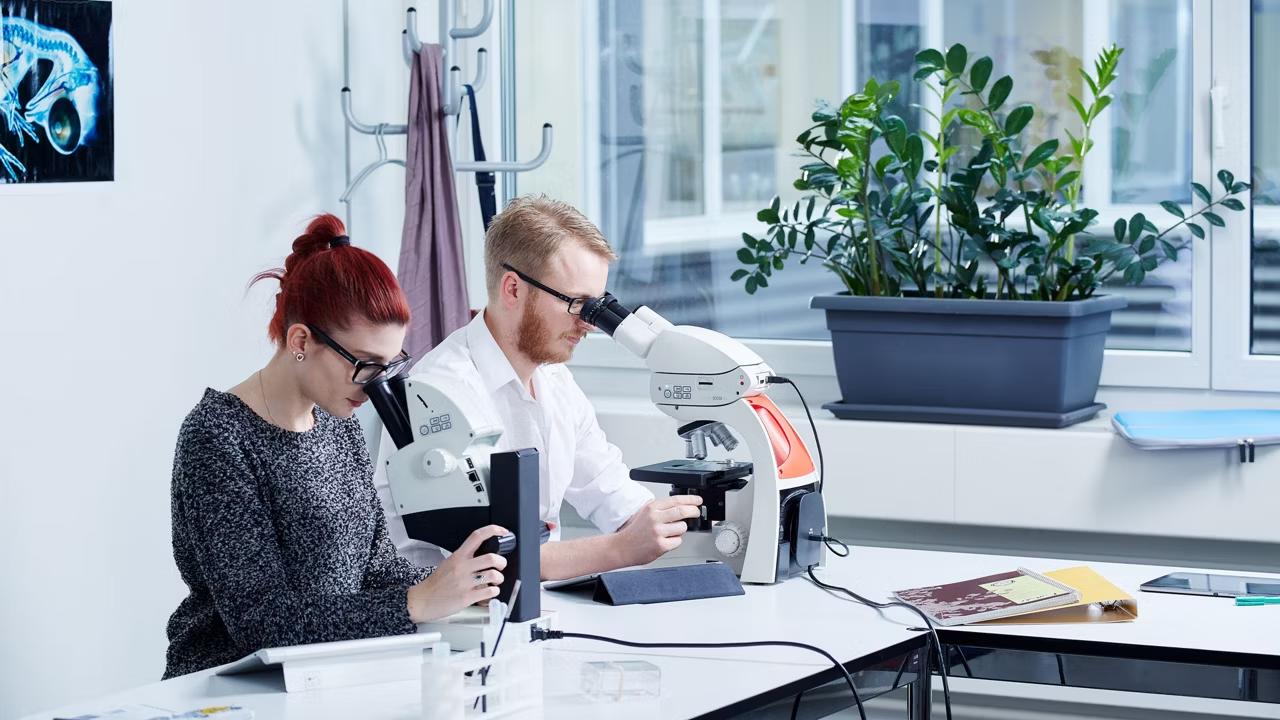
School must be fun if young people are to learn. The Leica stereo microscopes offer a broad, varied field for experience and learning and are easy to integrate into classroom instruction.
What will the students learn?
- Leica stereo microscopes sharpen students’ observation skills.
- They will be able to examine, compare, describe and identify the structures, functions and development of plants and other organisms.
- They will gain insight into evolution and ethology and will recognize nature’s variety and systematic structure.
- They will be able to relate practical experiences in the field and with the stereomicroscope to knowledge gained in classroom instruction.
- They will experience their biological space, recognize the dependencies and relationships between organisms and their surroundings, and will develop an awareness of their environment.
- They will understand the ecological relationships of selected topics and the problems of various ecosystems.
Power for bright minds: Change views – 7-way LED illumination
The light-emitting diode, or LED, is currently revolutionizing the world of illumination. As small as they may be, LEDs are true power packs in every respect: they last longer than incandescent lamps, use less energy, stay cool and require no maintenance. The powerful LEDs in our educational stereo microscopes generate intense, homogeneous, color-neutral incident and transmitted light.
Dependable and rugged for industry and routine research
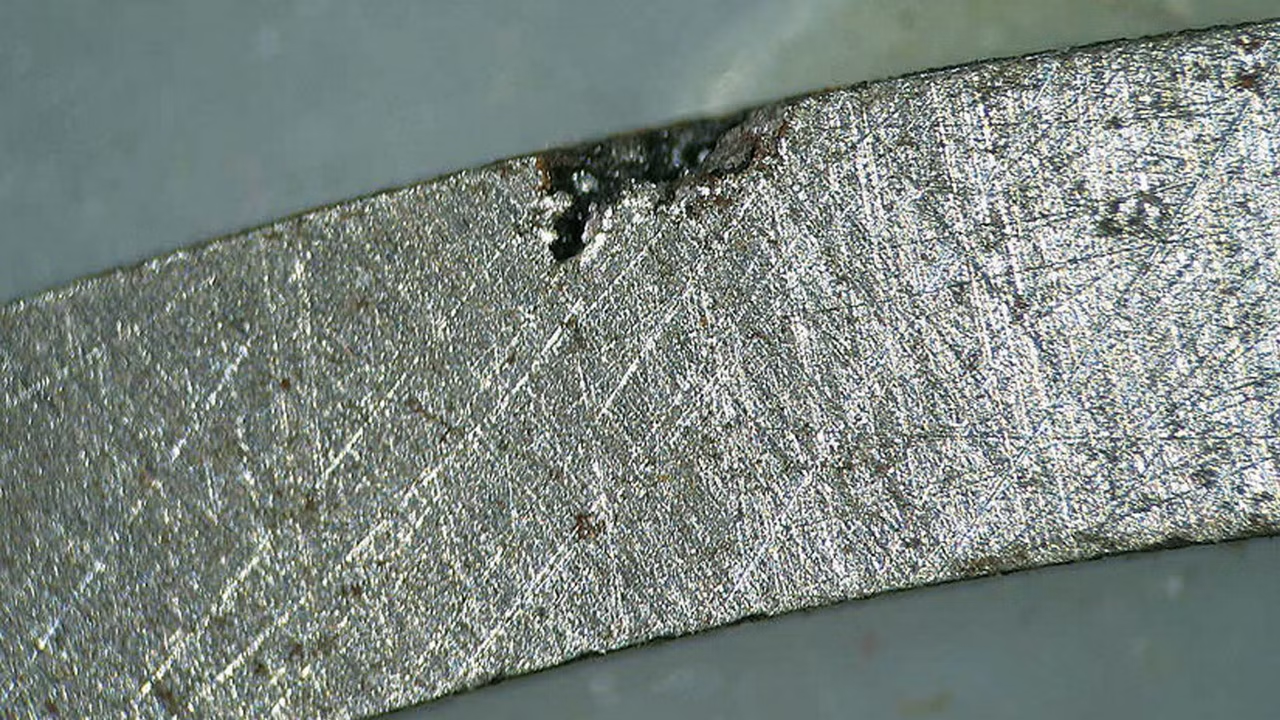
Manufacturers depend on affordable and reliable quality control to insure production profitability. Visual quality control is an important part of a consistent quality management process.
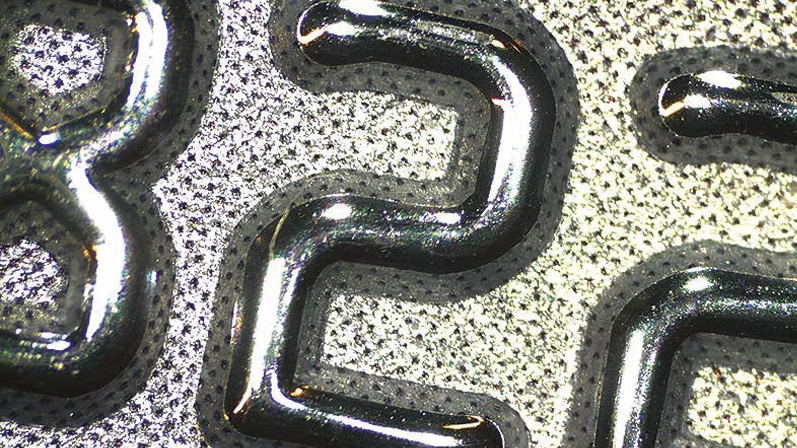
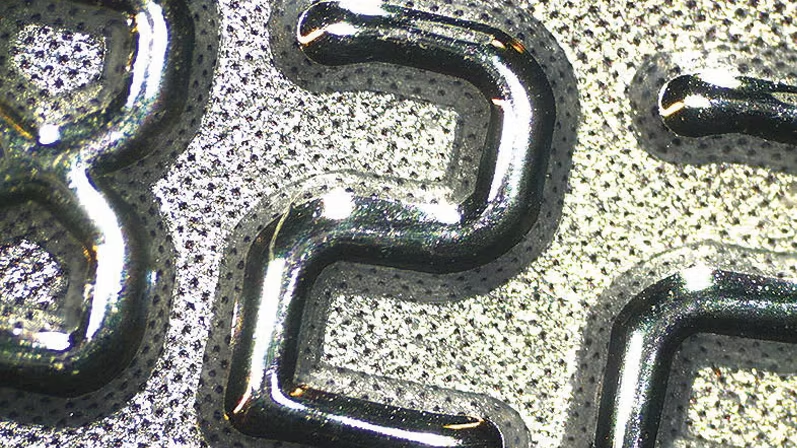
The Leica E Series is designed to help you eliminate expensive quality defects, waste, and insufficient productivity. For R&D, the dependable, maintenance-free Leica E Series ensures efficient laboratory operations while minimizing downtime. Providing a bright object field that is rich in detail and a great working distance that allows a variety of microscope tools, the Leica E Series is ideal for sample identification and sorting.
Leica EZ4 W and Leica EZ4 E – Digital documentation made easy
Advantages of the EZ4 W and EZ4 E:
- In Ethernet mode, the connection to the camera is provided through your own network, allowing a maximum number of users to connect to the camera. To use this to full extent, all devices have to be on to same network as the microscope.
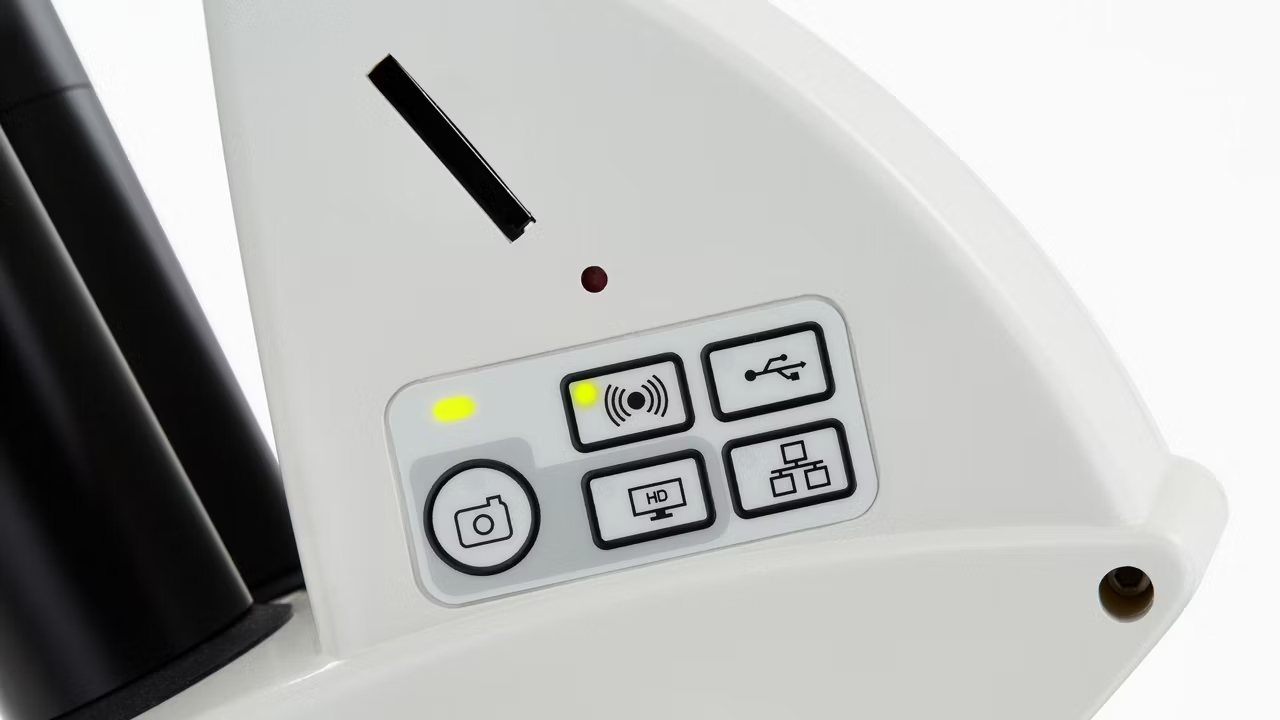
- In USB mode you can connect your PC directly via USB cable to the camera, which is helpful when you aim for fastest live images e.g. of moving samples.
- Computer users can use the Leica Imaging software to connect to the camera and work with the images. For PC use Leica Application Suite software, and use Leica Acquire for Mac.
- Use lots of options with Leica AirLab App: It enables camera setup, annotations, measuring, image capture, and sharing to email, photo folders, or other social media connections. Leica AirLab App is available free of charge for Android and iOS devices.
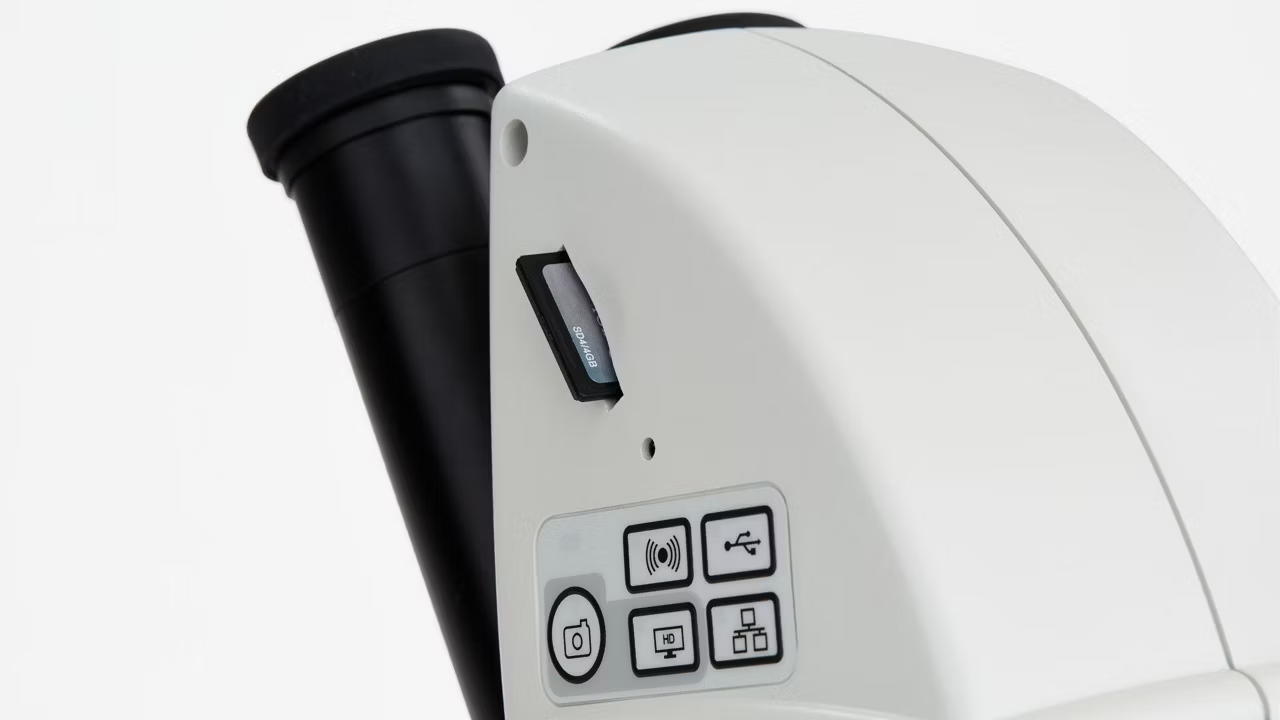
- Stay flexible if there is no PC or mobile device around: Just capture images directly onto a memory card.
- Fine-tune camera settings conveniently, capture images onto the SD card, and view the SD card gallery – all possible with the remote.
- Project your images: Use the HDMI port for screen projections or output to HD screens.
- You don’t need any extra cables: The built-in camera is powered and controlled directly from the microscope.
| Contrasting Method(s) | Brightfield |