LAS X Industry Software platform
Confidence in your results
For industrial quality control and materials research your goal is to deliver accurate and reliable results. You need a software that enables you to work with speed, efficiency, and precision and facilitates your daily tasks.
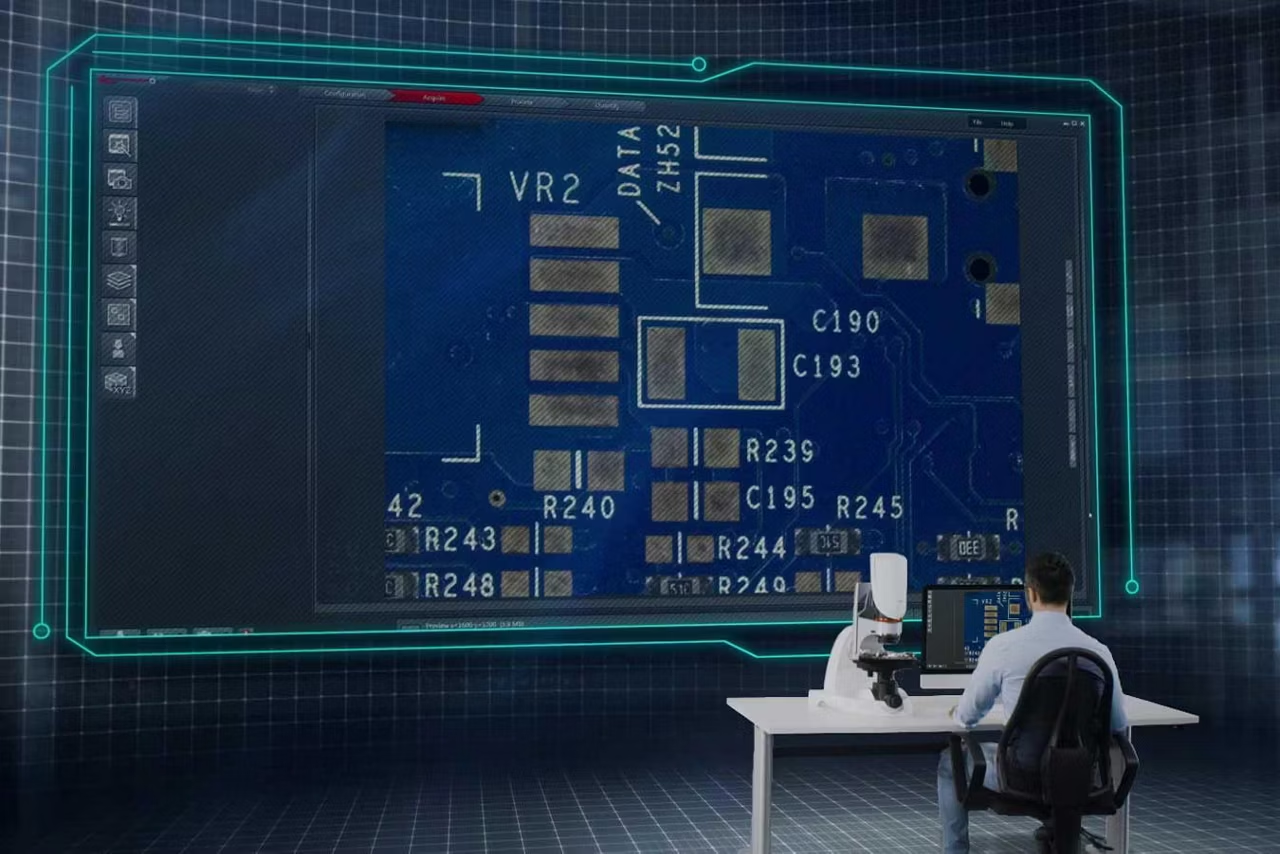
The Leica Application Suite X (LAS X) software allows you to do straightforward imaging and documentation for industrial applications.
- Observe your sample over the full screen
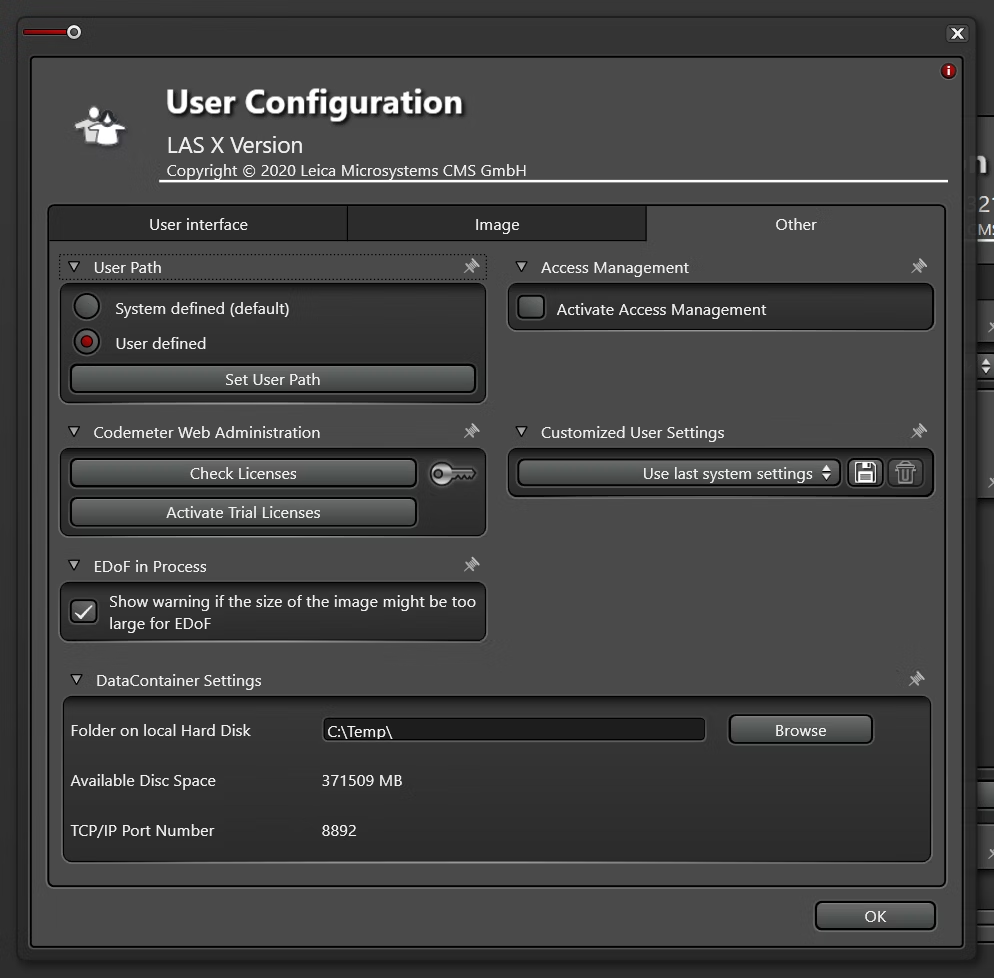
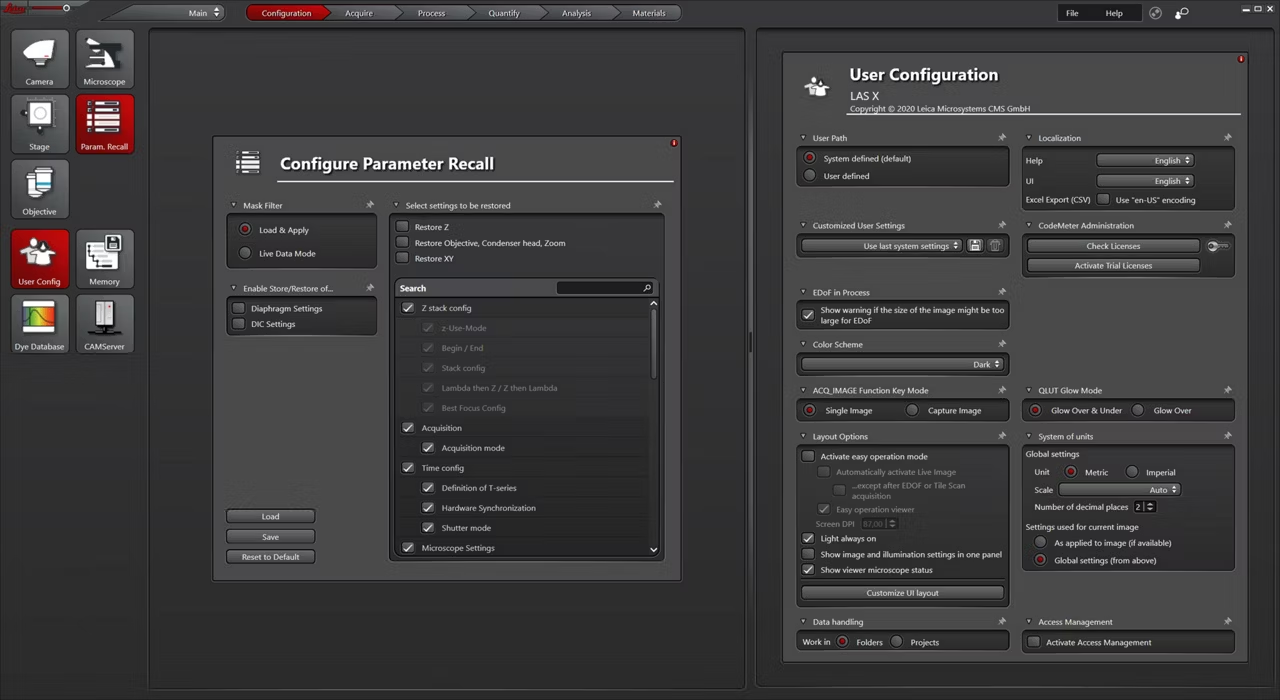
- Configure the microscope system with individual user profiles
- Make streamlined and flexible measurements when doing analysis
- Enhance your imaging with stitching in X, Y, and Z
- Acquire and recall reliable and reproducible results
Efficient operation and image analysis

You can achieve your goals quickly with the LAS X software thanks to a cleverly laid out user interface where relevant tools are only one click away. Get to your results even faster by using measurement templates that reduce manual steps.
And there are more capabilities that ensure efficiency for everyday use including:
- Enhanced imaging with stitching in X, Y, and Z even for large sample areas
- Batch import for large data sets
- Recalibration for imported images for flexibility across systems
Fast reliable results with LAS X Navigator

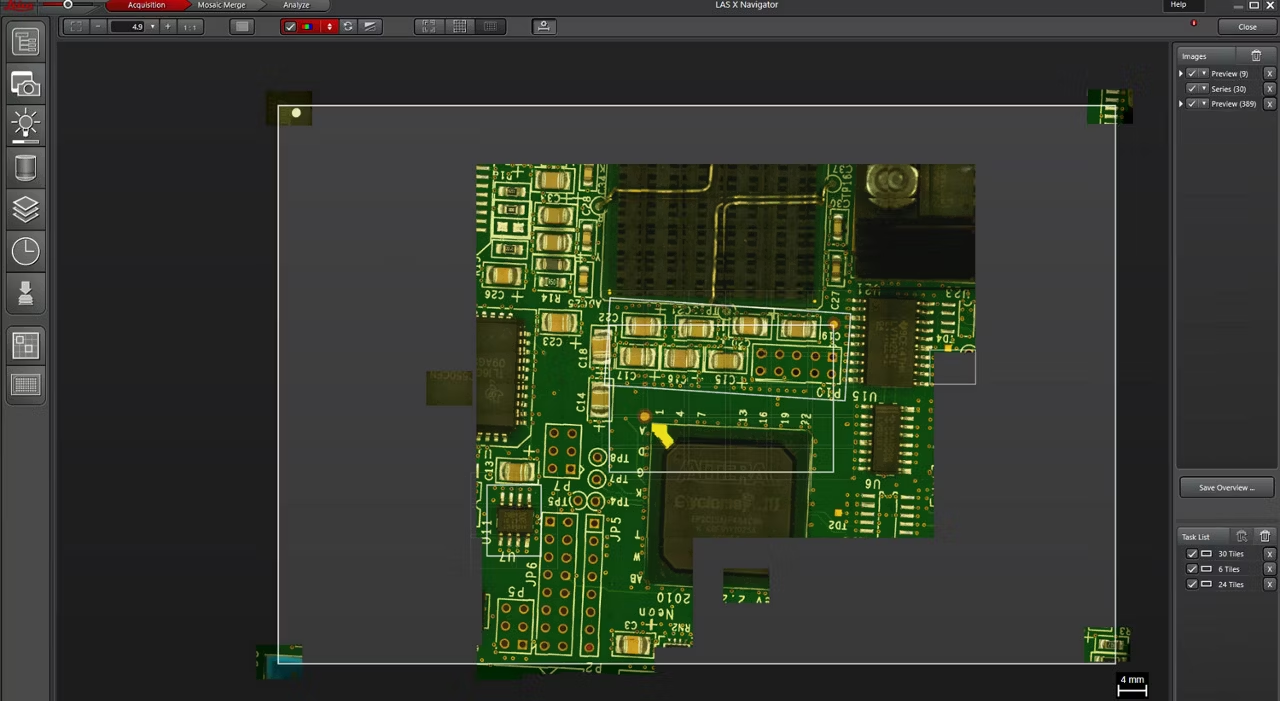
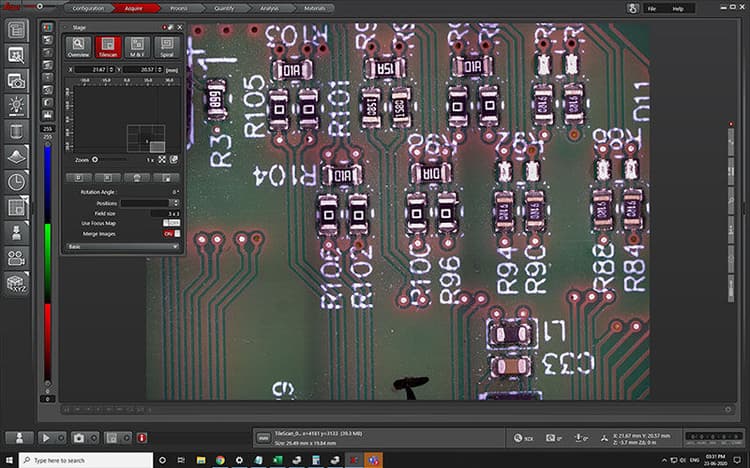
You can create fast overviews of your samples, identify regions of interest (ROIs) instantly, and set up automatic high-resolution image acquisition with LAS X Navigator.
Navigator allows you to define multiple ROIs for multi-sample scanning and merging, no matter the sample geometry. You can also use the Assay Editor to set up user-defined sample holders. Additionally, there is the possibility to combine multi-sample acquisition with an automatic image analysis process.*
Your benefits when using Navigator
- Reproducible workflows for image acquisition and analysis
- Efficient image analysis
- Reduced chance of human errors influencing results
* N.B.: License for the Image Analysis module is required (not part of the Navigator).
Clear, comprehensive, customizable
Software should make your standard tasks faster, easier, and more efficient; not more complicated. LAS X has a tidy user interface and navigation that makes workflows intuitive and easy for anyone to learn.
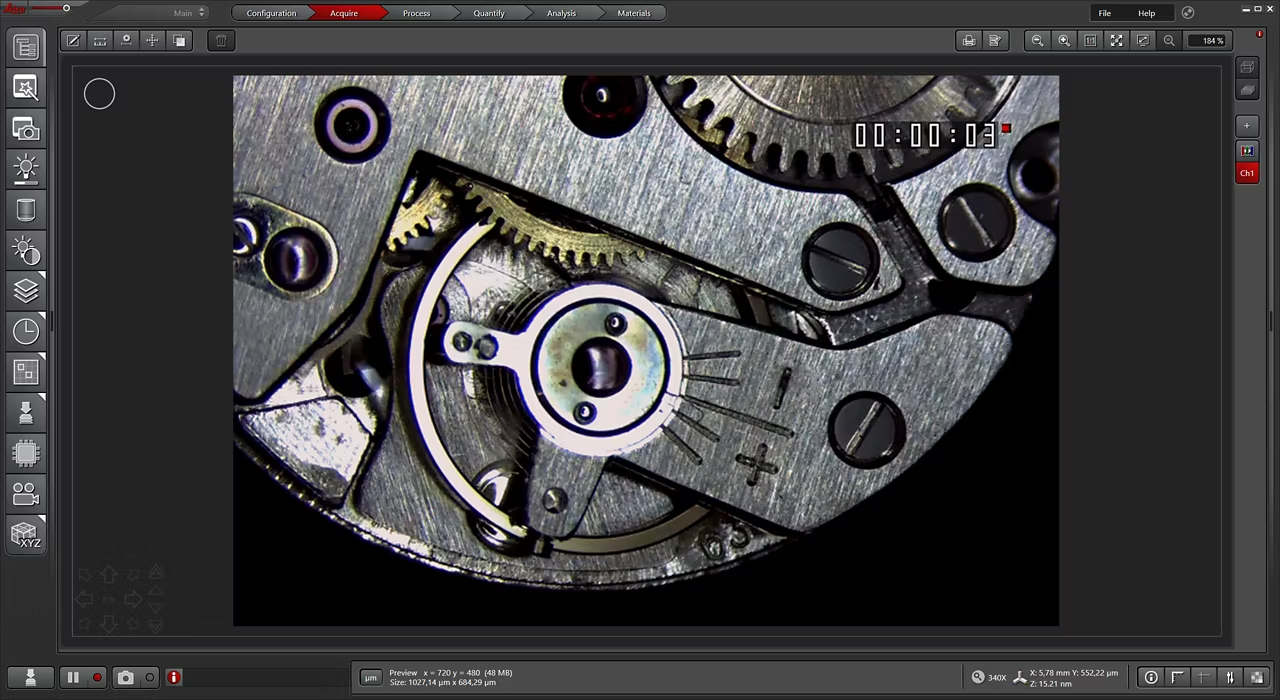
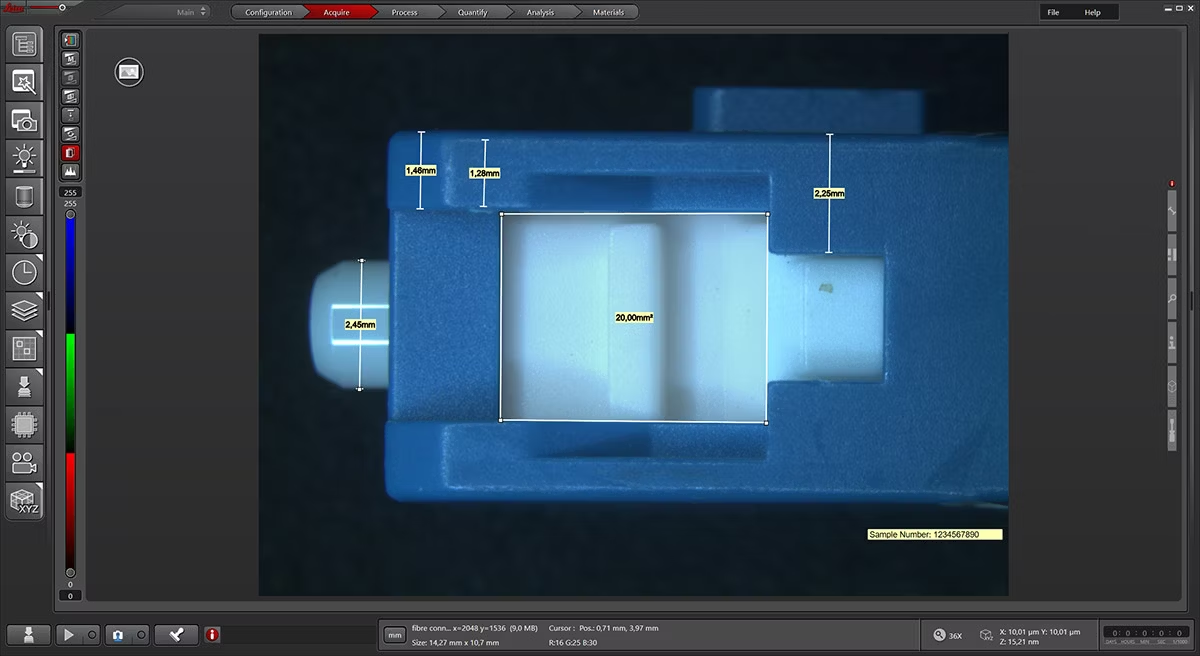
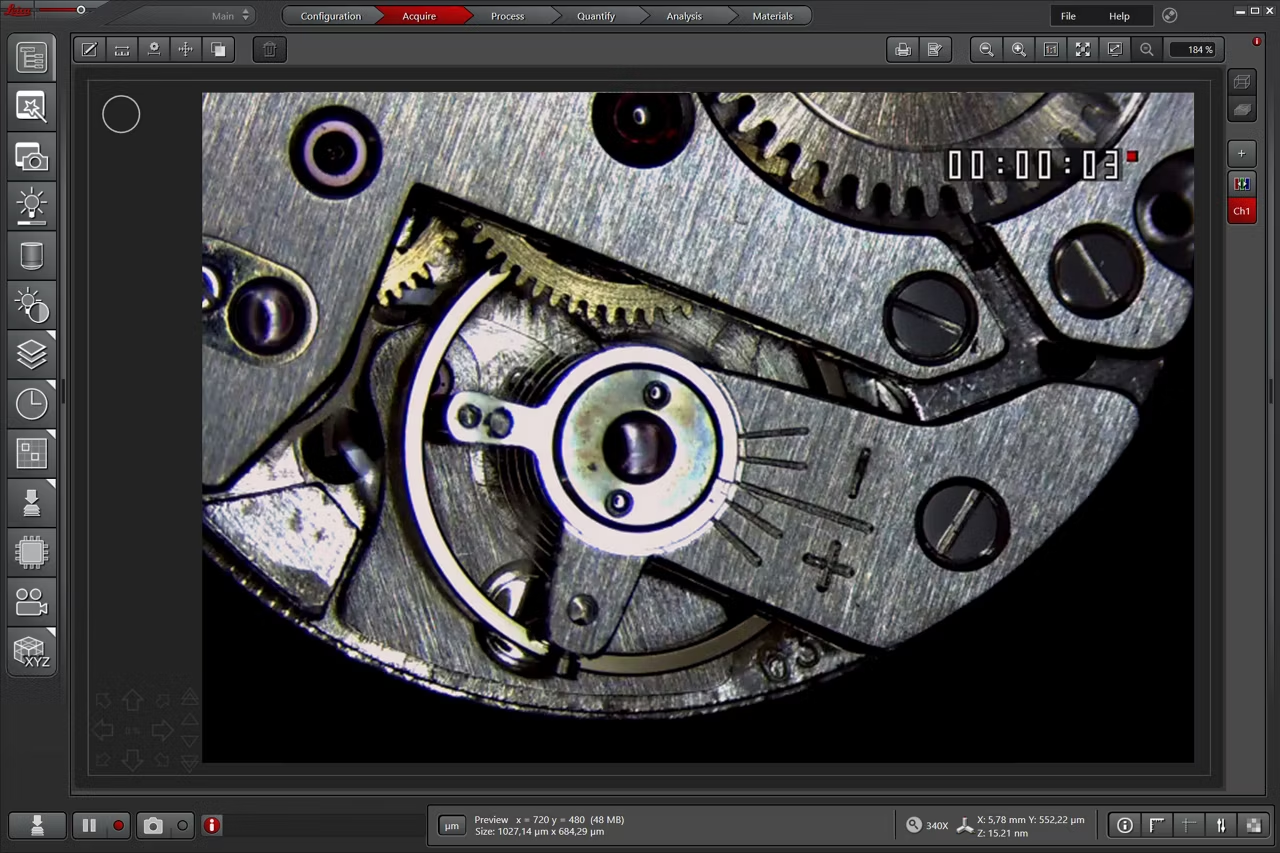
Use the full screen to view your sample
- Observe your sample in full-screen size
- Activate all relevant functions (e.g. for illumination settings, camera, measurements) with a few clicks
- Automatically store images on a regular basis with functionalities like autosave
Customizable user access

The software can handle multiple users who have different levels of microscope skills and diverse tasks to accomplish.
Profiles according to user’s skills
The LAS X software enables you to create profiles according to the skills and tasks of individual users – from microscopy beginner to expert. It helps you to get reliable results.
Reliable and reproducible results

Being able to reproduce your image data is important for many applications.
Store and Recall
With a few clicks or by opening an acquired image, you can easily reproduce previous microscope settings and imaging parameters.
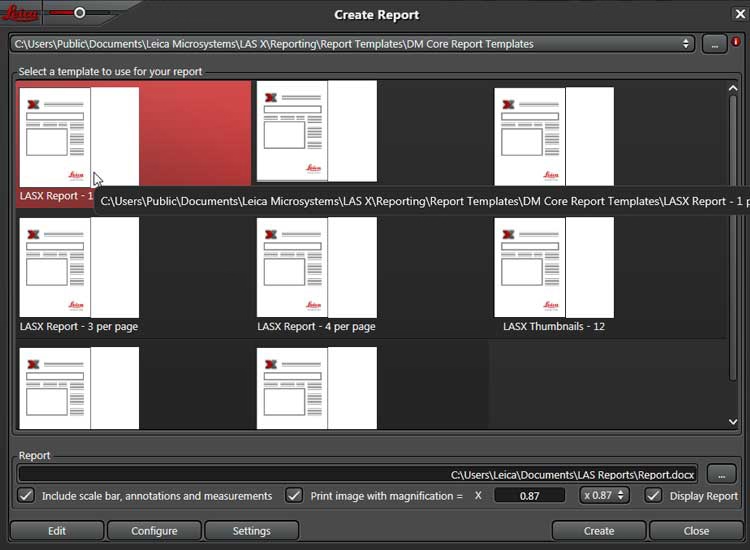
Create customized reports to meet your needs

You can customize the report templates according to your needs and share these templates with others for their usage to ensure consistency.
Various templates for efficient report generation
Creating customized reports of measurement results is straightforward.
- Adapt quickly the report templates to suit your needs
- Just a few clicks to export the reports
LAS X Software Modules for Industrial Applications

Microscopy tasks for quality control and assurance, failure analysis, research and development, as well as materials science and forensics, are varied and diverse. From image acquisition to reporting, software plays an integral part every step of the way.
For your specific application needs, Leica Microsystems offers a range of software modules that complement LAS X.
Contact your local Leica representative to find out which module is best suited to your needs.
Extend LAS X capabilities for image acquisition and documentation of single images

| Name | Description |
| LAS X Extended Annotation | Annotate your images with text in various fonts and colors, graphics, or measurements. |
| LAS X Measurements | Measure parameters, such as the length, area, diameter, angle, or perimeter of objects you mark with adjustable tracing lines, drawing directly in the live images. Add labels for easy analysis. Apply measurements to several images to determine statistical trend and compare data in measurement templates. Apply long-distance measurements that span more than a single field of view. |
| LAS X Reticule | Display digital reticules, such as grain size, lines, circles, cross hairs and counting grids, on real-time images as electronic overlays for inspection, measurement, point counting, and comparison. Unlike eyepiece reticules, digital reticules adjust to the magnification or zoom of the microscope. |
| LAS X Live Stream Movie | Capture images at set time intervals automatically to create movies to stream. Download as individual images or AVI files |
Extend LAS X capabilities for image acquisition, measurement and analysis in 2D and 3D

| Name | Description |
| LAS X Live Image Builder | Create images that are bigger than a single field of view. Obtain a single in-focus image, if shallow depth of field provides only a partly focused image. |
| LAS X Z-Control & SW Autofocus | Create a single sharp image by capturing a stack of images at different focus positions and combining them automatically into an Extended Depth of Focus (EDOF) image. |
| LAS X Extended Depth of Field | Create sharp 2D images from several partially in-focus images. In connection with the 3D Surface Viewer, creation of 3D images is also possible. |
| LAS X Stitching | Create 2D images from multiple tiled images captured automatically. Obtain a spiral scan to capture only the region which interests you most. Single images can be retrieved and analyzed with LAS X 2D Analysis. |
| LAS X 3D Surface Viewer | View 3D surfaces created from LAS X Extended Depth of Field. |
| LAS X 3D Surface Measurements | Measure 3D surfaces created from LAS X Extended Depth of Field in the LAS X 3D Surface Viewer. |
Extend LAS X capabilities for metallography

| Name | Description |
| LAS X Nodular Cast Iron Expert | Assess cast iron, adhering to industry standards including ASTM A247, ISO 945-2 and JIS5502. Use this software module for ductile irons to identify graphite nodules and place them into shape and size classes. Assess the ferrite and pearlite content and combine the results from these separate analyses. |
| LAS X Decarburization Expert | Identify and analyze the depth of decarburization in non- or low-alloyed steel. Automatically calculate the functional decarburization depth as a function of the amount present in the unaffected interior and your product specifications. |
| LAS X Metallography Toolbox | Assess, analyze, and measure metals, alloys, layers and coatings, adhering to laboratory requirements by incorporating analysis methods utilized in industry standards. Document your results in a Microsoft Excel report. |
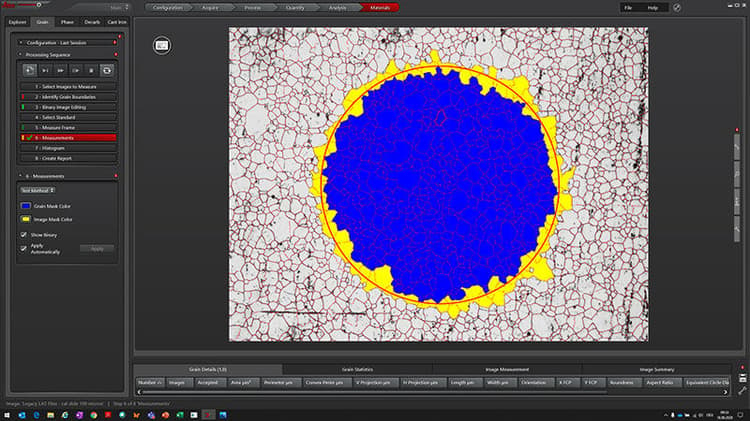
| LAS X Grain Expert | Evaluate the properties of materials by analyzing grain size to help determine the characteristics of the final product. The incorporation of industry standards ensures your analyses conform to your laboratory requirements. |
| LAS X Phase Expert | Measure multi-phase microstructures identified by their distinctive color or contrast in materials and metallurgy laboratories. For example, reflectivity of components in oil-shale; polarization colors of constituents in a thin rock section for modal analysis. Determine the occurrence of these phases with reference to the overall image or to one of the selected phases. |
| LAS X 2D Analysis | Detect, measure, and evaluate features and particles of powders, fiber cross-sections, pigments using a wide range of parameters. Use histograms, pie charts, and statistics to illustrate results that can be exported to Microsoft Excel. |

LAS X Materials Science Modules Software for Metallography and Materials Analysis
Powerful microscopy imaging software with customizable modules for metallography and materials analysis workflows. Request a quote!
Emspira 3 Digital Microscope
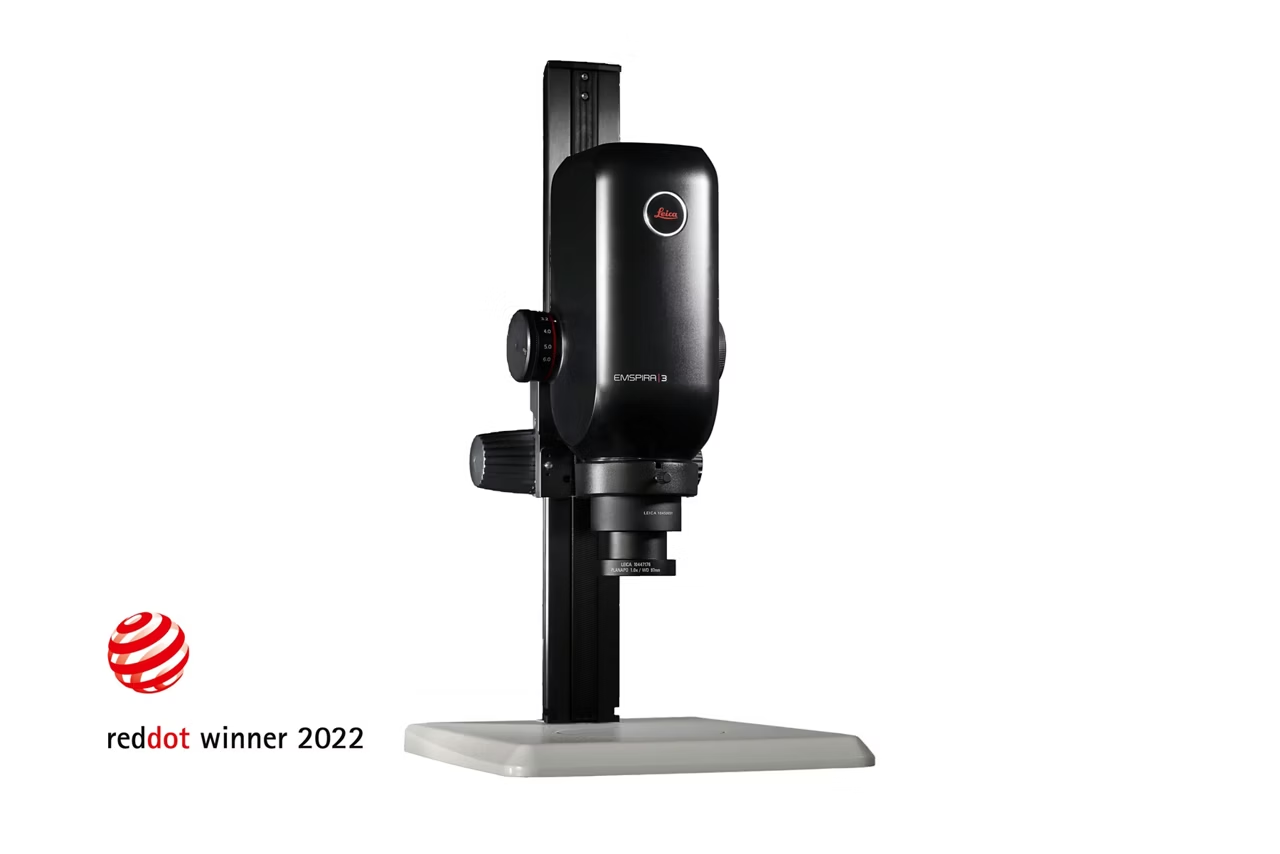
Emspira 3 Digital Microscope streamlines inspection with intuitive measurement comparison and direct data sharing without a PC. Request a quote.
LAS X Life Science Microscope Software Platform
Unified microscope software supporting confocal, widefield, stereo, super resolution, & light sheet systems. Save & recall settings for reliable results. Get quote.
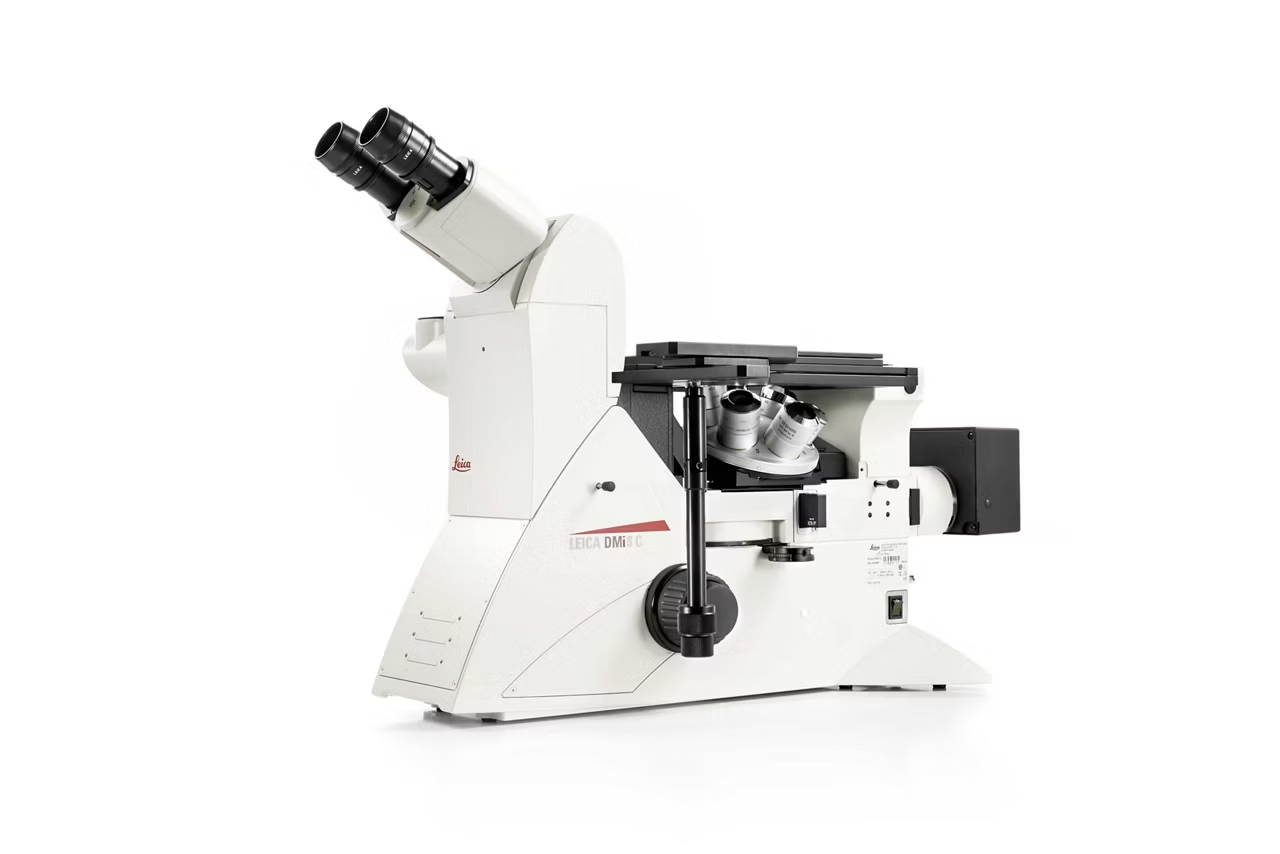
DMi8 M / C / A Inverted Microscopes for Industry
Modular inverted microscope for metallography, medical device manufacturing, microelectronics. Supports multiple contrast modes. Request a quote!
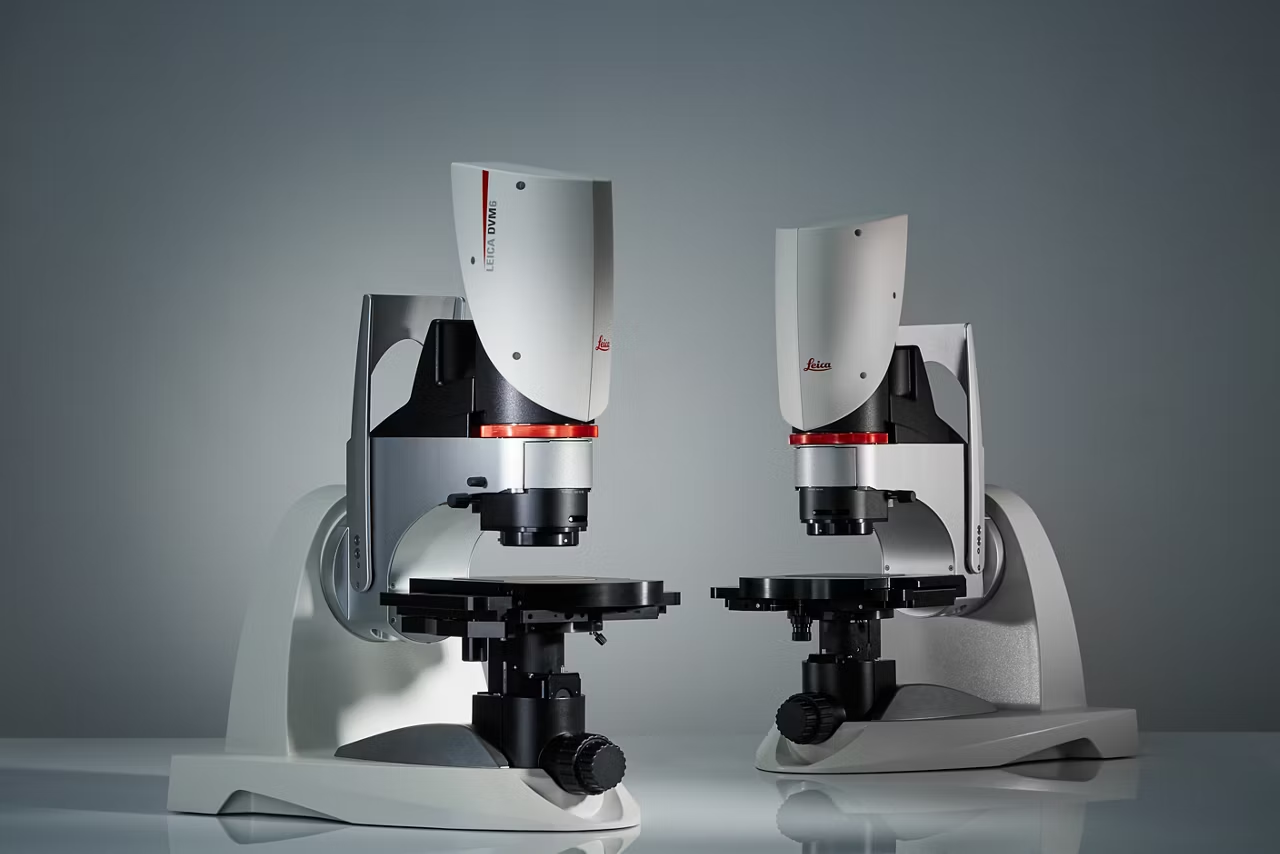
DVM6 Digital Microscope
DVM6 Digital Microscopes deliver versatile high magnification imaging for failure analysis and R&D. Achieve reliable results. Request a quote.